Watch the build take shape
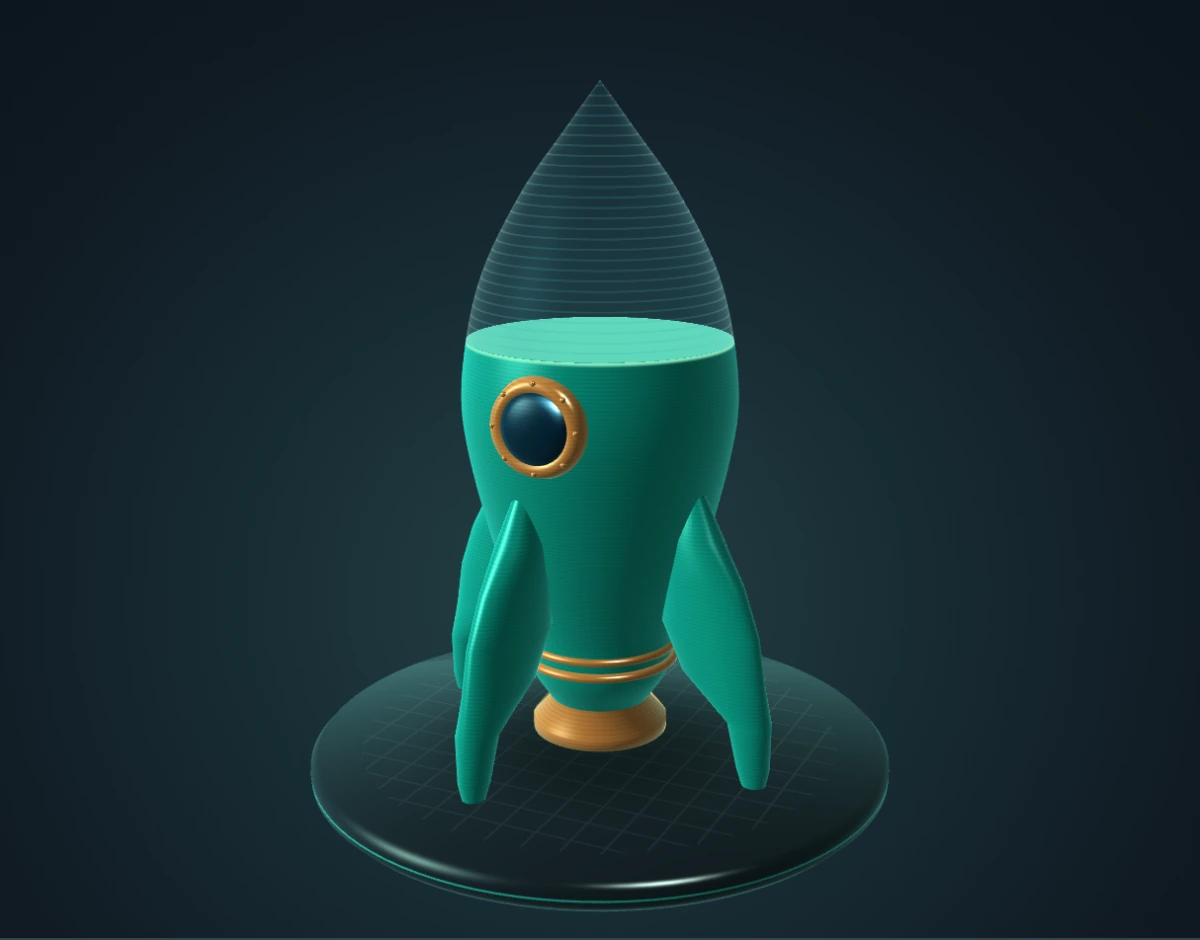
See which layer TinyMaker is printing and how much of the job is complete.

Keep the progress of your next resin print on your desk. PrintDeck reads the job directly from your TinyMaker over Wi-Fi.
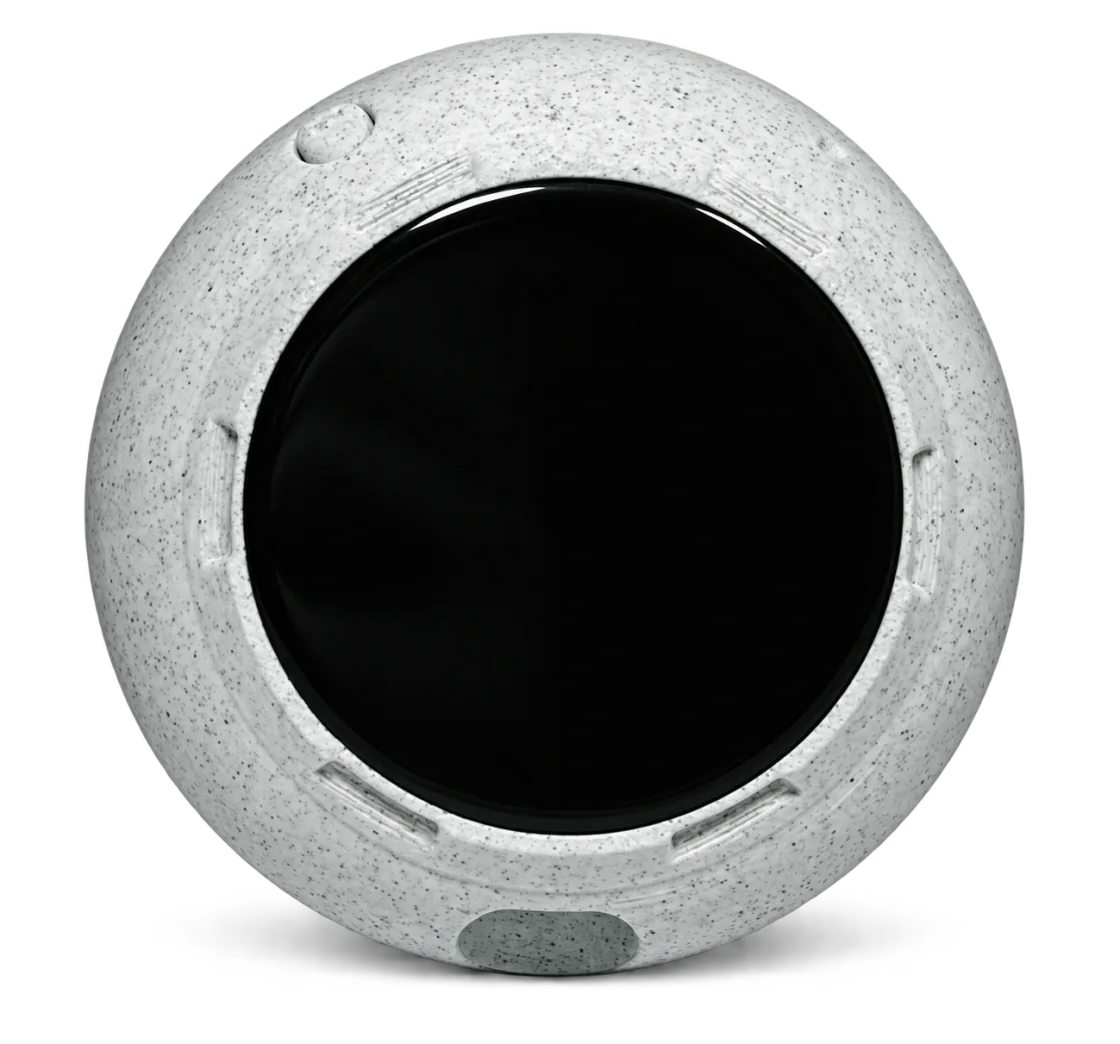
 TinyMakerLocal Wi-Fi

Your printer sends its status directly to PrintDeck over your local network.
See which layer TinyMaker is printing and how much of the job is complete.
Connect the printer and PrintDeck to the same local network. Check the printer’s address in its network settings.
In My Printers, choose Add printer, then Other printers. Enter your TinyMaker’s local address and check the connection.
Save the connection, then select the online printer in My Printers to see its status.

Direct local monitoring with your printer’s LAN access code.
See the connection guide
Connect through Moonraker, with detailed support for multiple tools.
See the connection guide
Read printer status directly from your local PrusaLink service.
See the connection guide
Turn an OctoPrint instance into a printer profile on PrintDeck.
See the connection guide
Monitor resin printers that use SDCP V3 on your local network.
See the connection guide
Follow your printer through Formlabs Dashboard.
See the connection guide
Monitor compatible Kobra printers in LAN mode.
See the connection guide
Connection options for Neptune 4 and Centauri Carbon printers.
See the connection guide
 iPhone
 Android