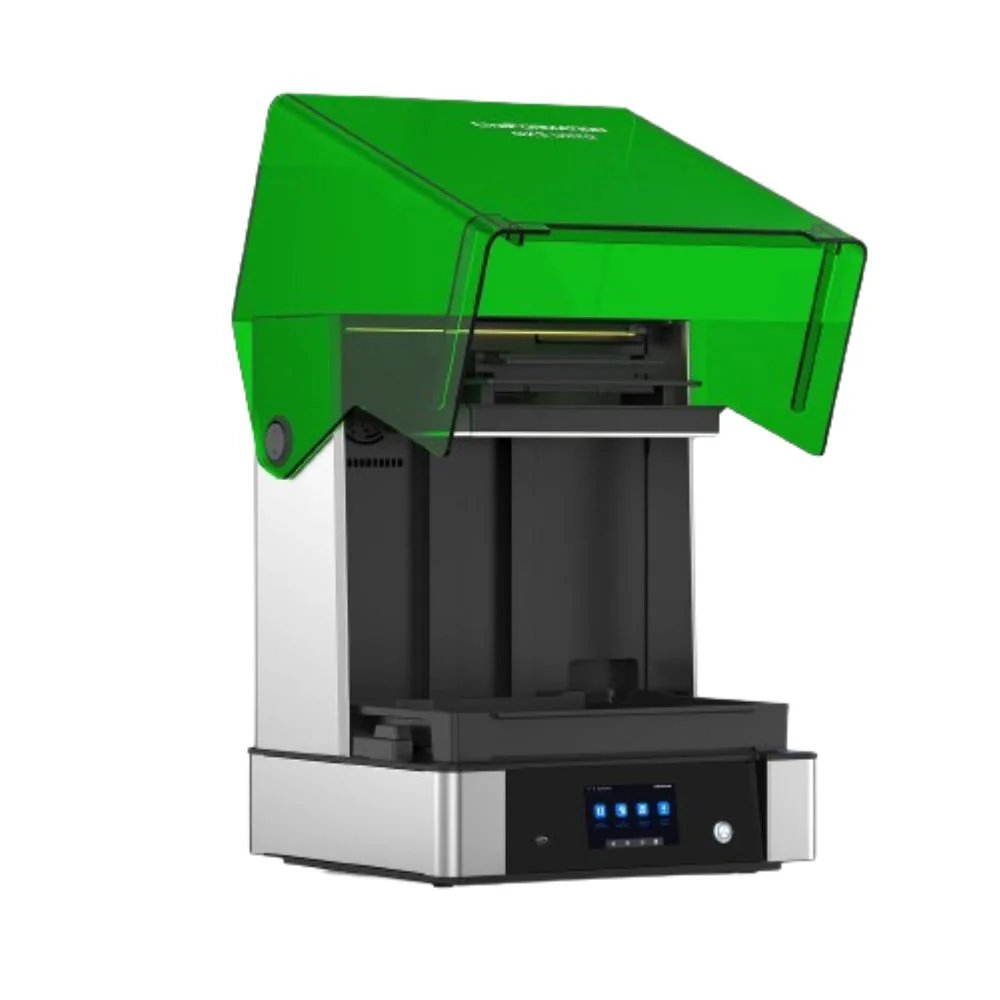
GK3 Ultra
Tested with PrintDeck. Monitor print progress, layer changes and remaining time over the local network.


 SDCP V3Local Wi-Fi

Your printer sends its status directly to PrintDeck over your local network.
SDCP V3 (Smart Device Control Protocol) lets a resin printer report its status over the local network. CHITUBOX uses it in ChituManager. With PrintDeck, you can monitor any printer that reports its status over SDCP V3 and see the layer, progress and time remaining as the printer reports them.
Connect the printer and PrintDeck to the same local network. Check the printer’s address in its network settings.
In Web Config, open My Printers, choose Add printer and select Other printers. Enter the printer’s local IP address to check the connection.
Save the connection, then select the online printer in My Printers to see its status.
Tested with PrintDeck. Monitor print progress, layer changes and remaining time over the local network.
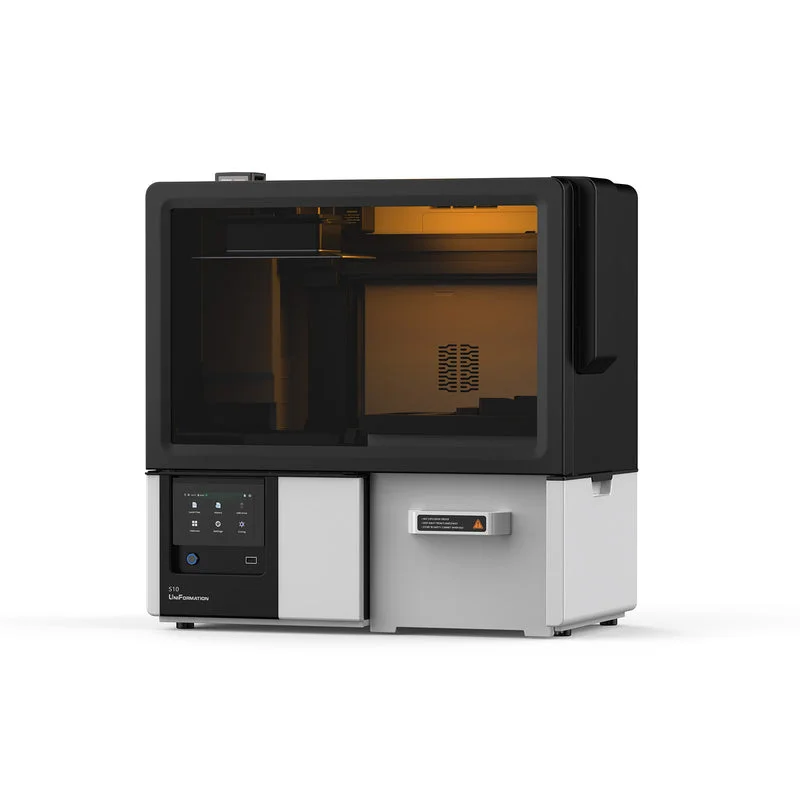
For an S10 with SDCP enabled, start with its local IP address. Web Config checks whether the printer is reporting job status.
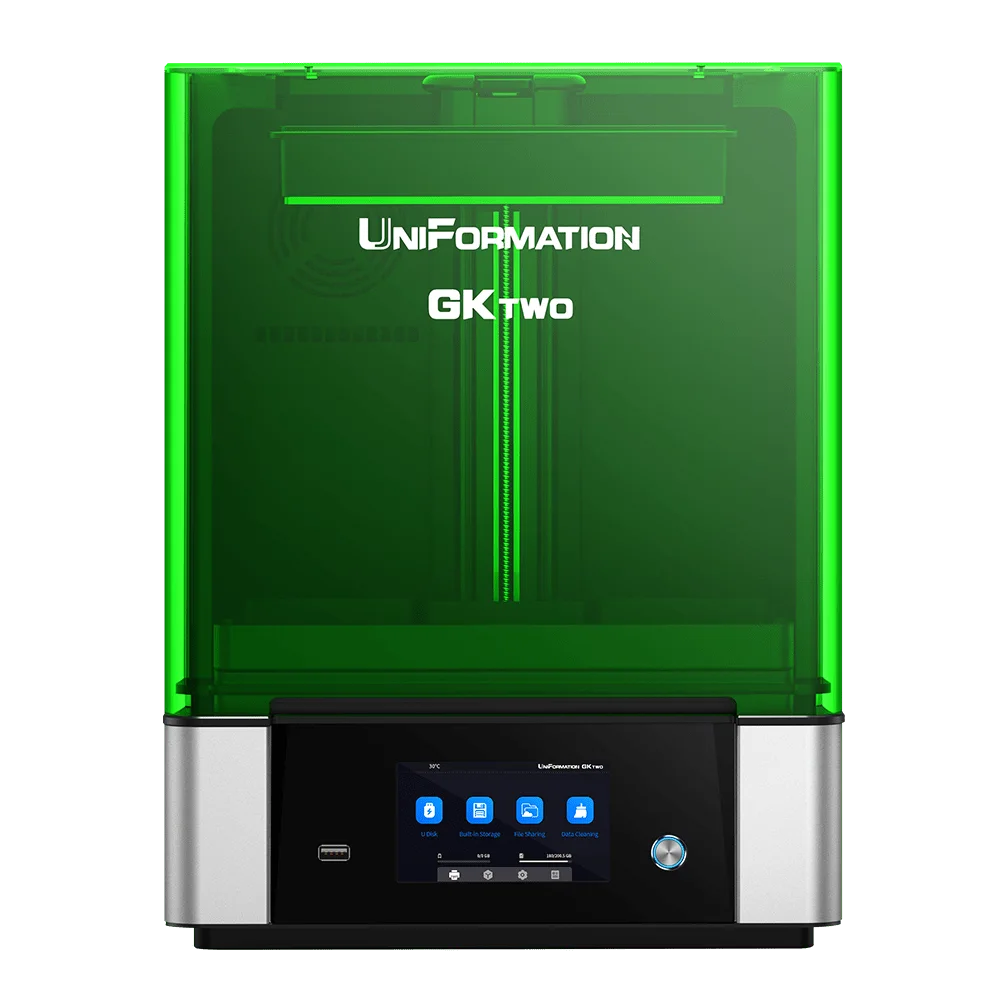
GKtwo Bridge adds SDCP to the original GKtwo running stock firmware V1.3.3. Follow the bridge guide, then check the connection in Web Config.
Set up GKtwo Bridge
Direct local monitoring with your printer’s LAN access code.
See the connection guide
Connect through Moonraker, with detailed support for multiple tools.
See the connection guide
Read printer status directly from your local PrusaLink service.
See the connection guide
Turn an OctoPrint instance into a printer profile on PrintDeck.
See the connection guide
Follow your printer through Formlabs Dashboard.
See the connection guide
Follow a resin print over Wi-Fi with just the printer’s address.
See the connection guide
Monitor compatible Kobra printers in LAN mode.
See the connection guide
Connection options for Neptune 4 and Centauri Carbon printers.
See the connection guide

 iPhone
 Android