
One account. Your PrintDeck devices.
Switch between the PrintDeck devices paired with your account. Each brings its connected printers into the app.

PrintDeck Cloud · Android
Check the printers connected to your PrintDeck devices from your Android phone or tablet. Switch between devices, follow each print and check what is running while you are away.
Public beta Cloud access is currently free.
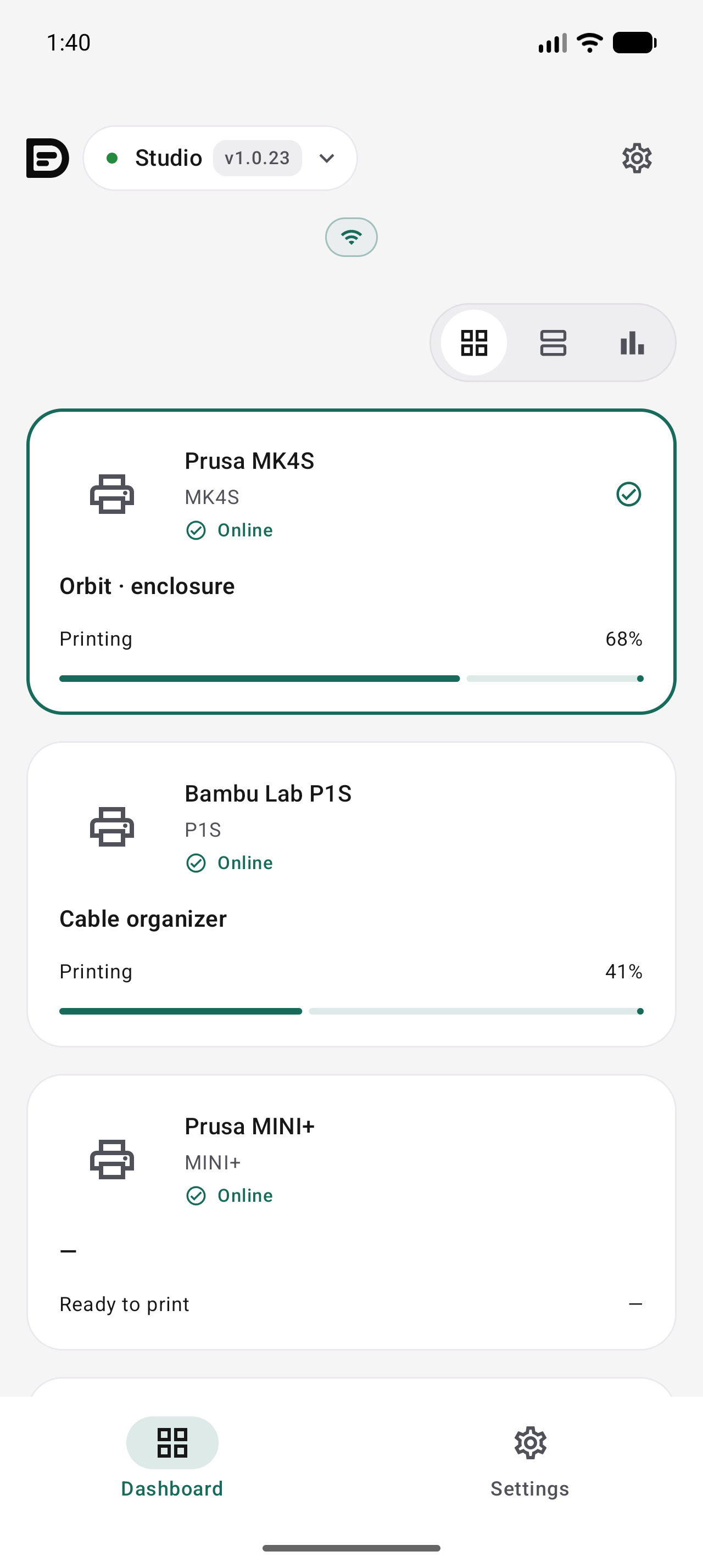
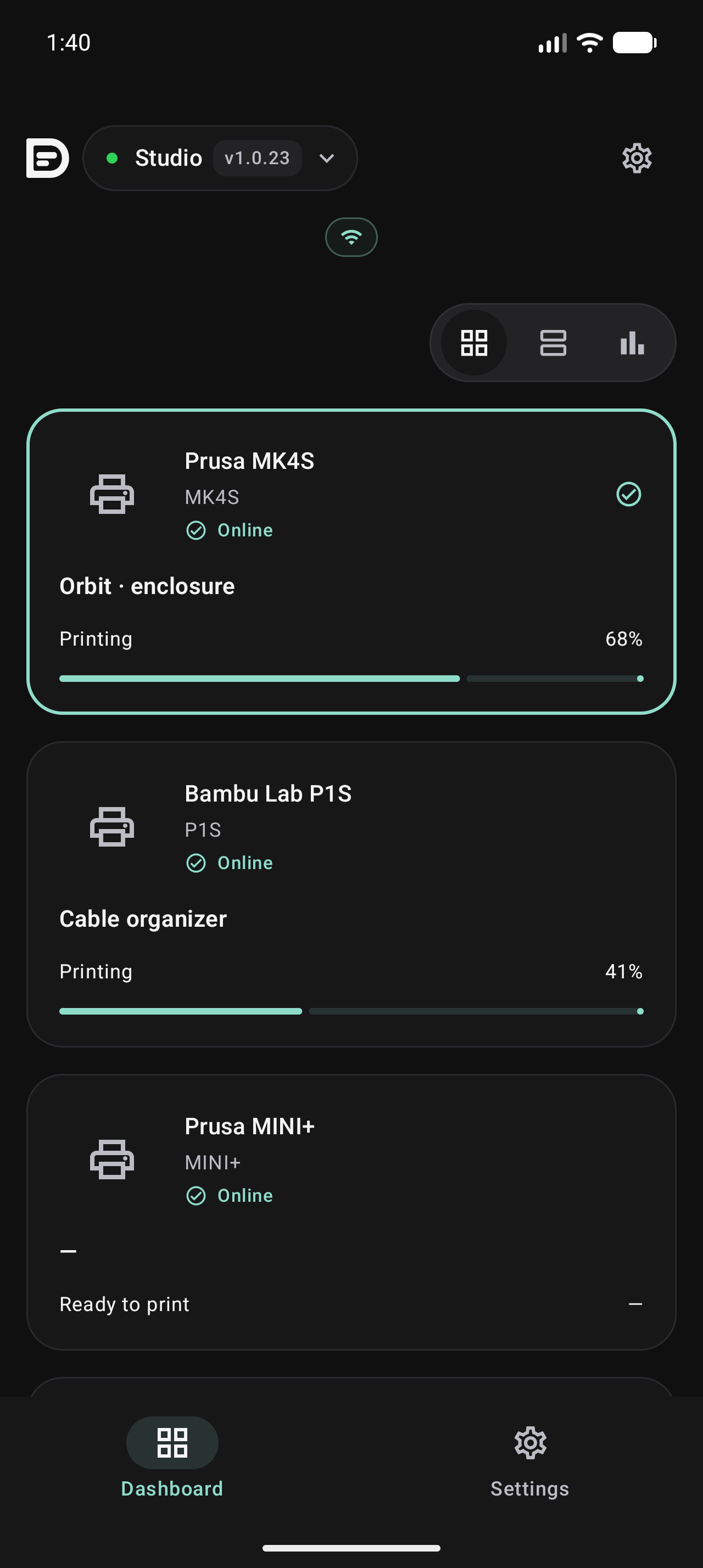
Switch between the PrintDeck devices paired with your account. Each brings its connected printers into the app.
Use Tiles for an overview, Details for progress and available temperatures, or Timeline to compare running jobs and estimated finish times.
Your printers stay on your local network. PrintDeck Cloud connects their updates to your app over the internet.
Android
See which printers are printing, in standby or offline.
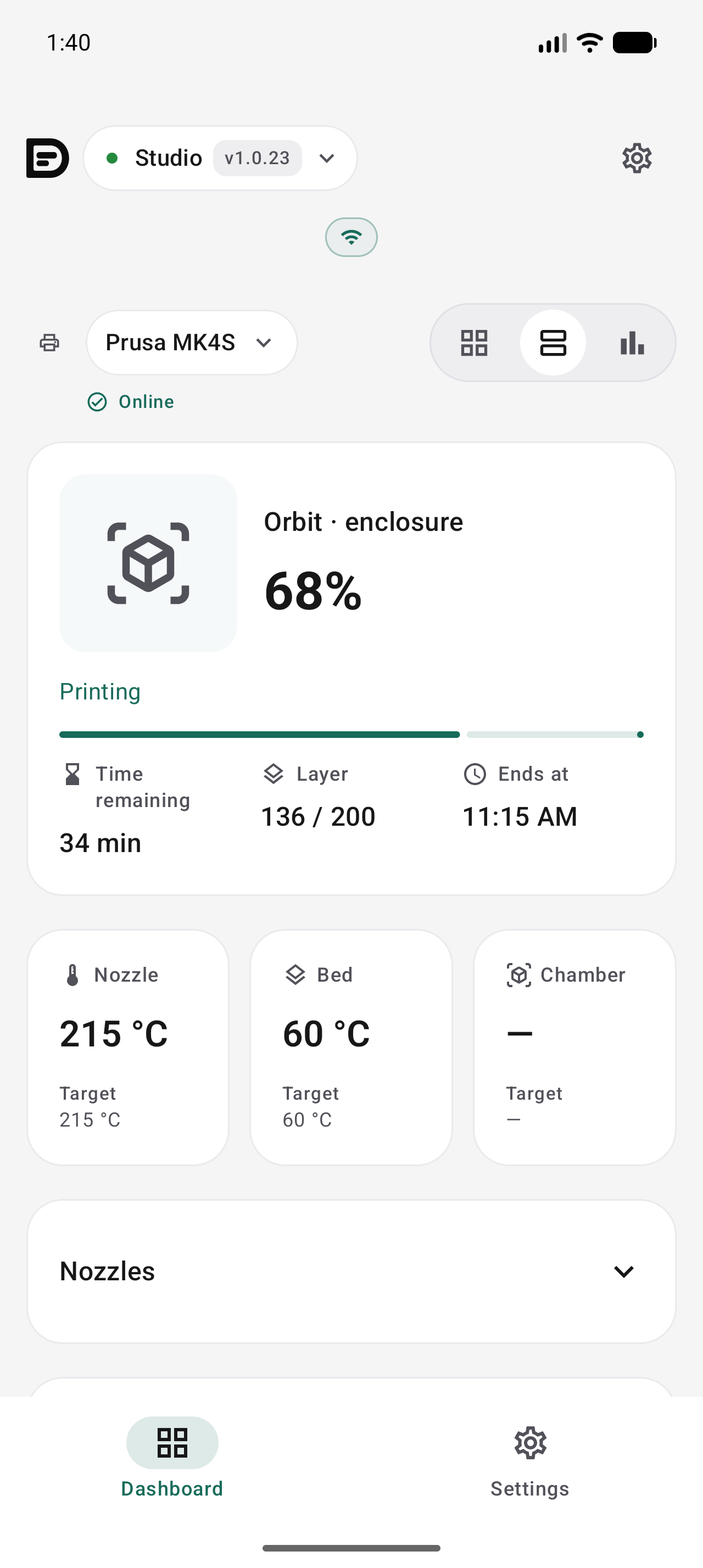
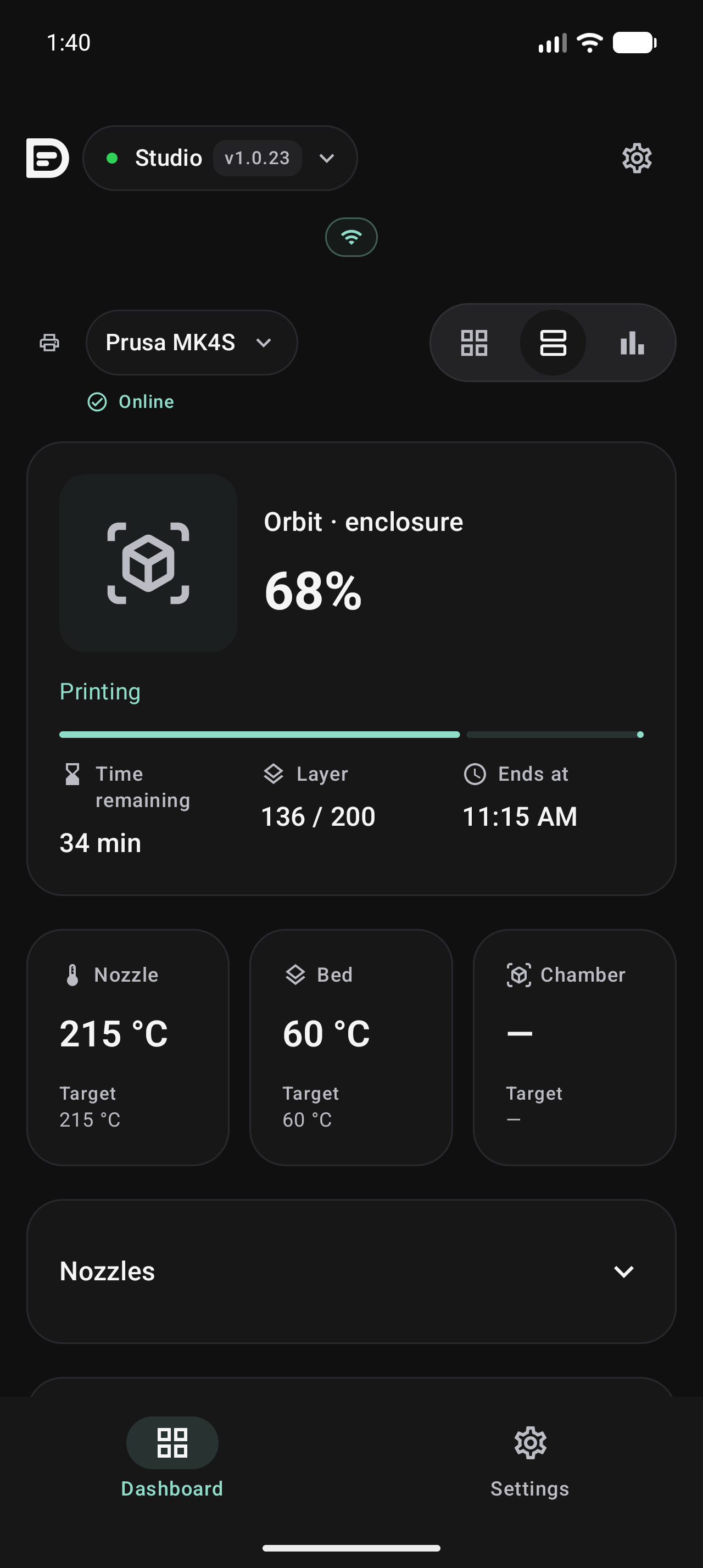
Open a printer to check its current job and the data reported by PrintDeck.
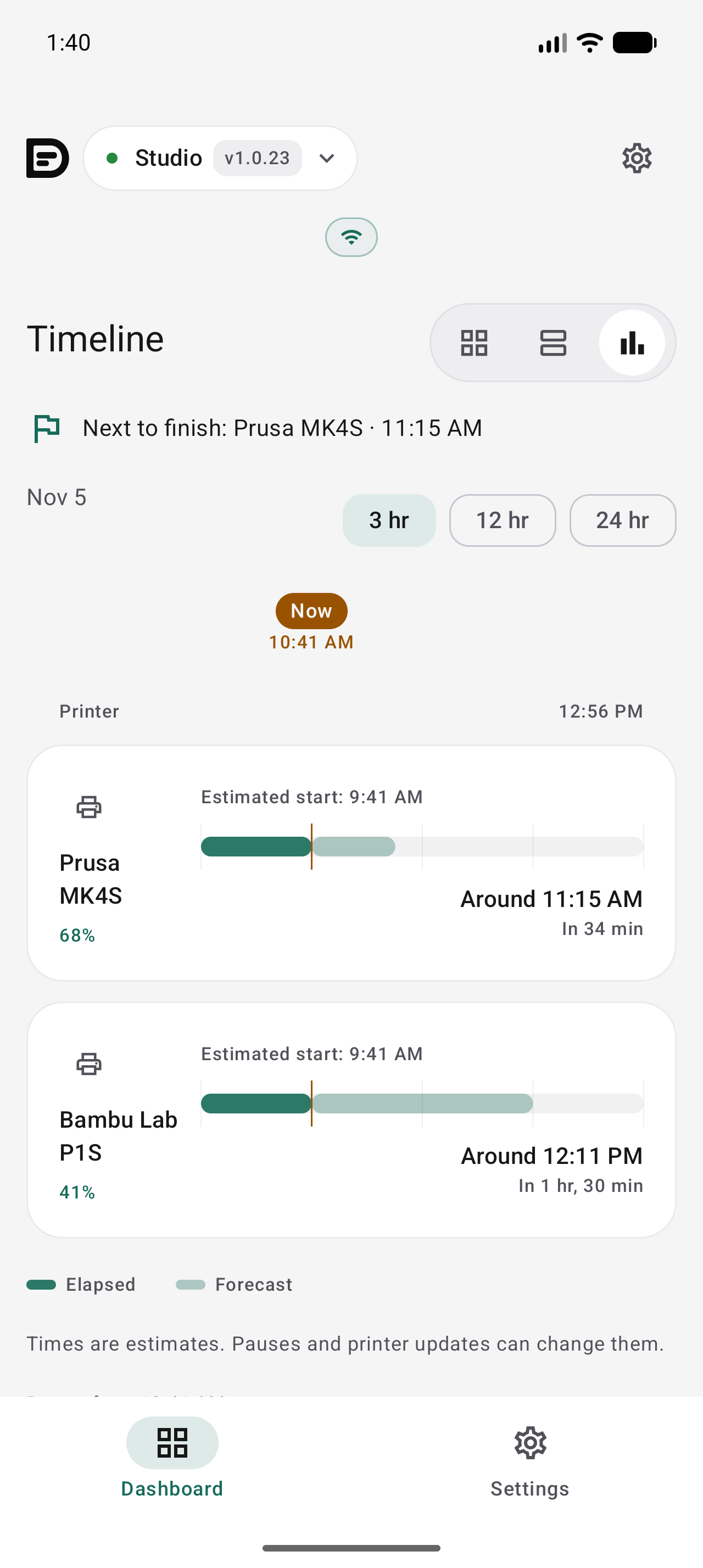
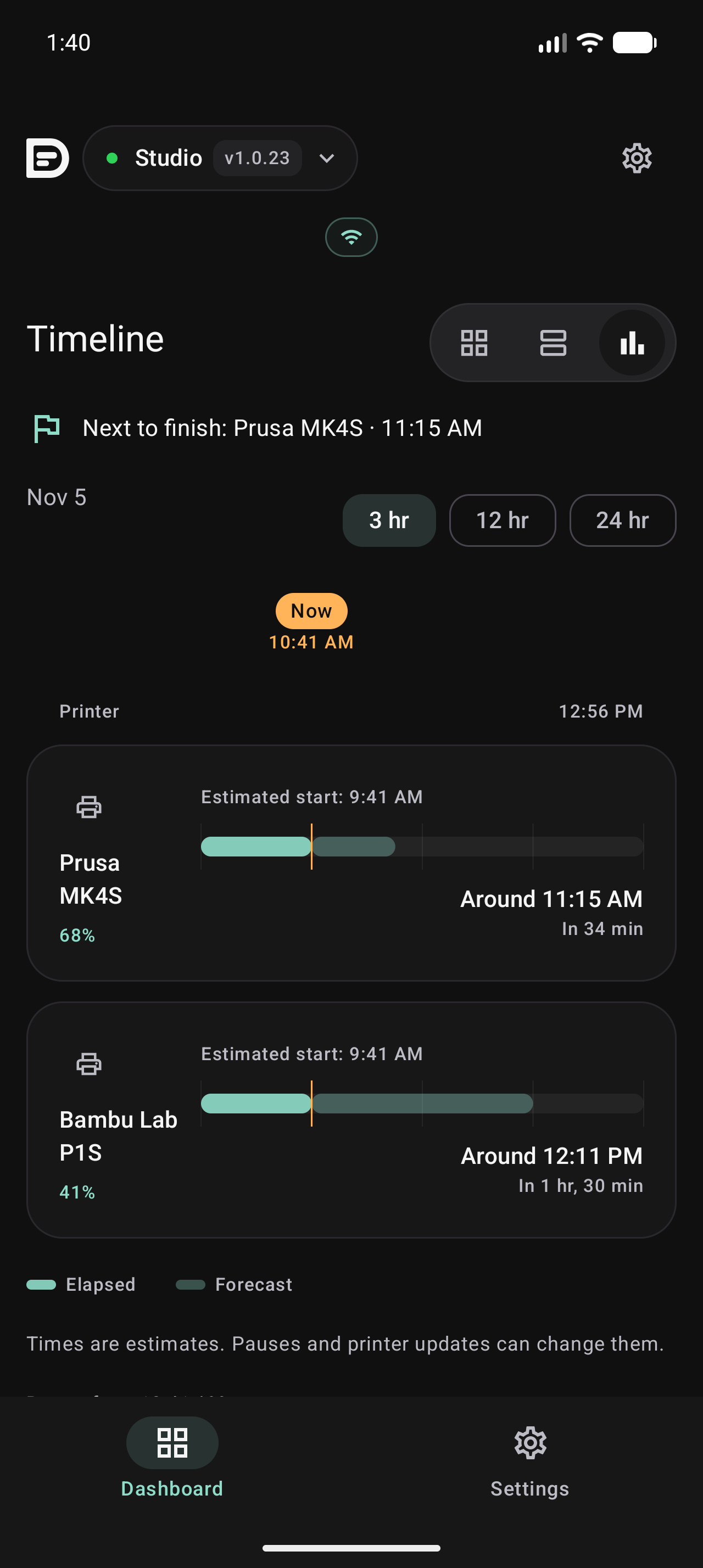
See progress and estimated finish times together in Timeline.
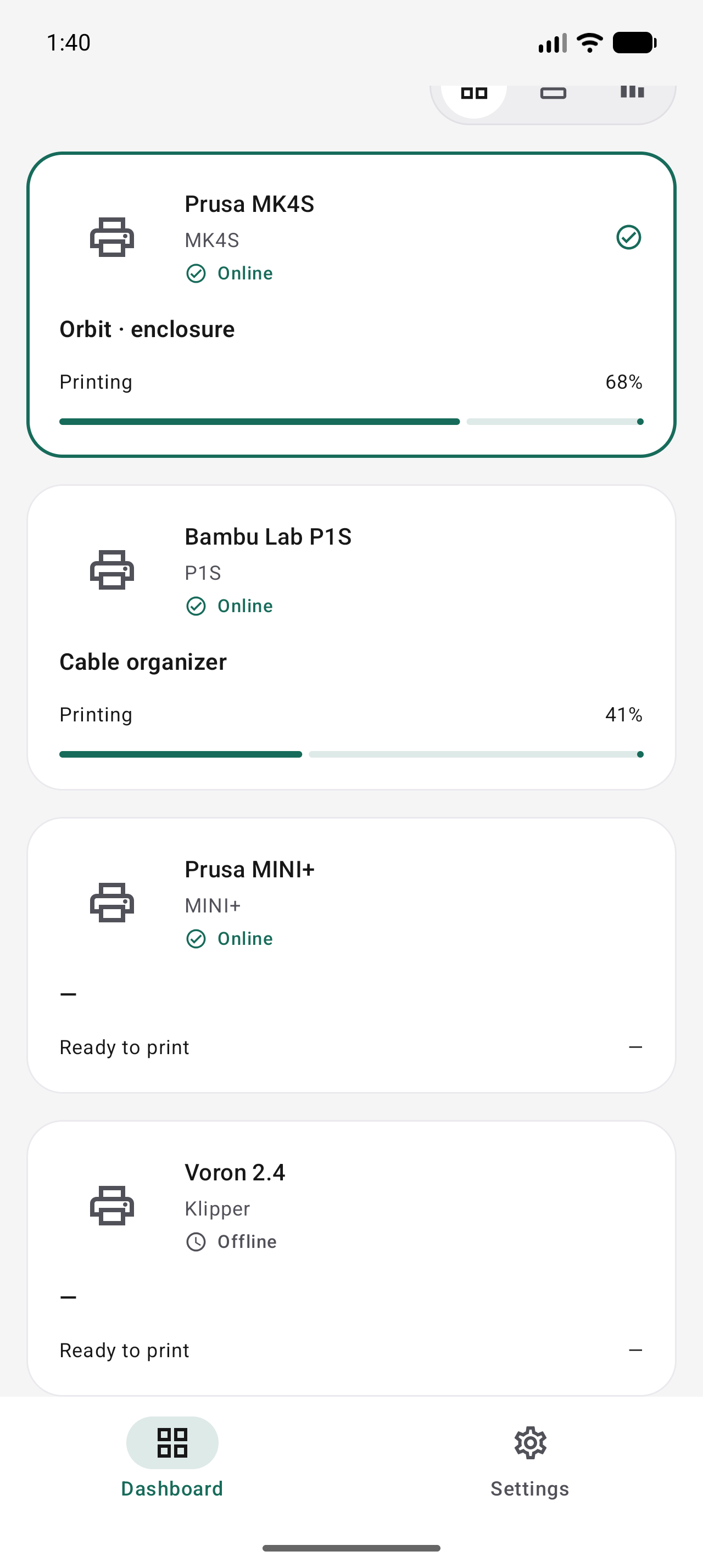
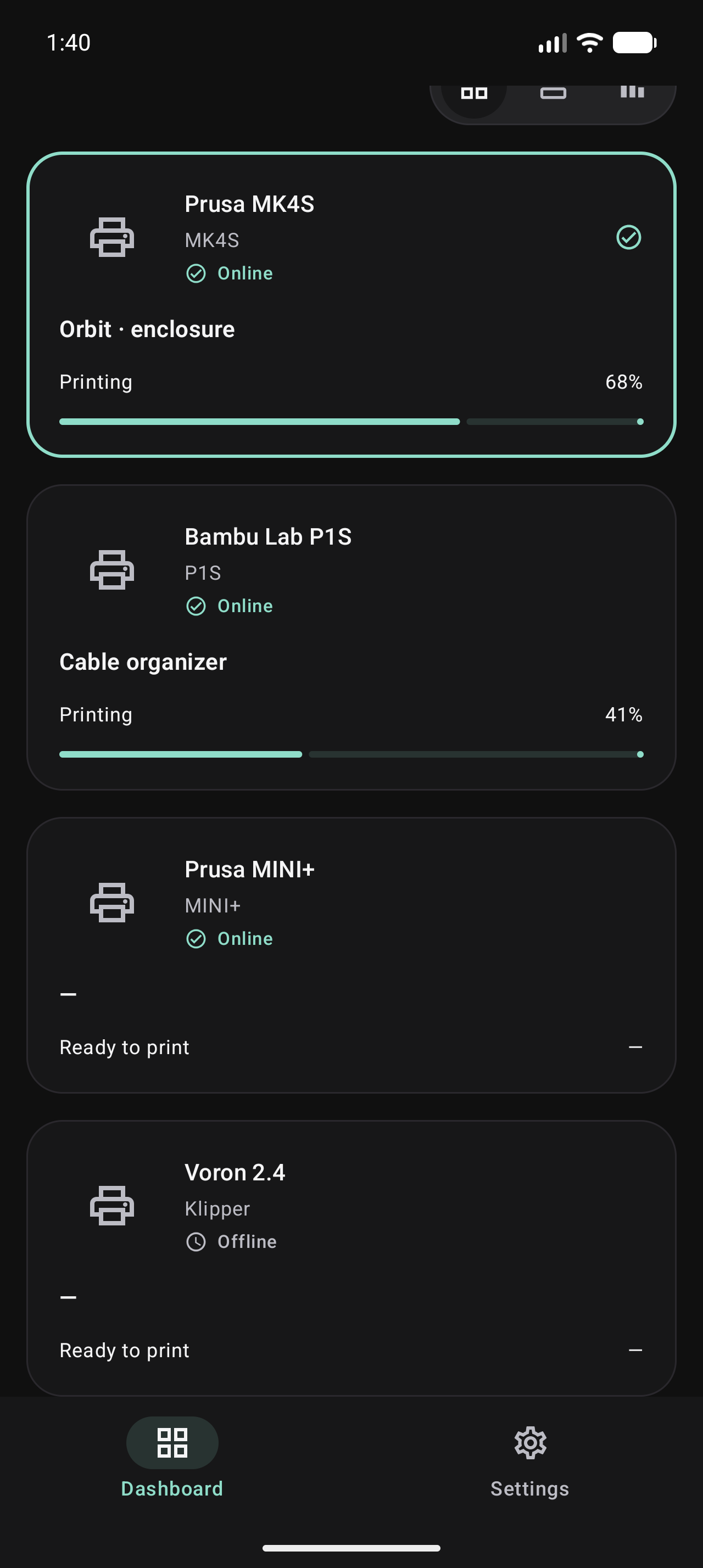
Connection status stays visible alongside your active prints.
Android
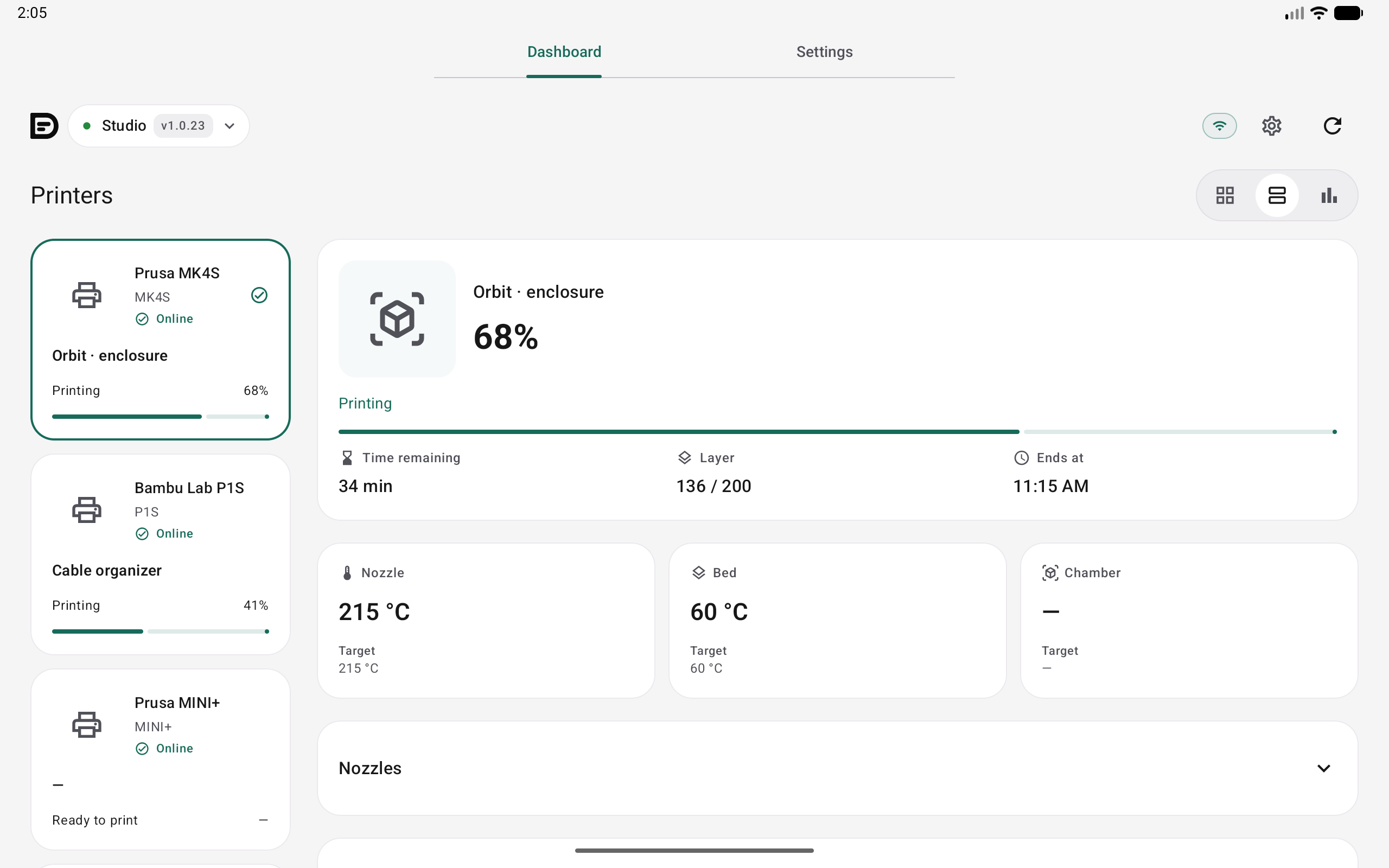
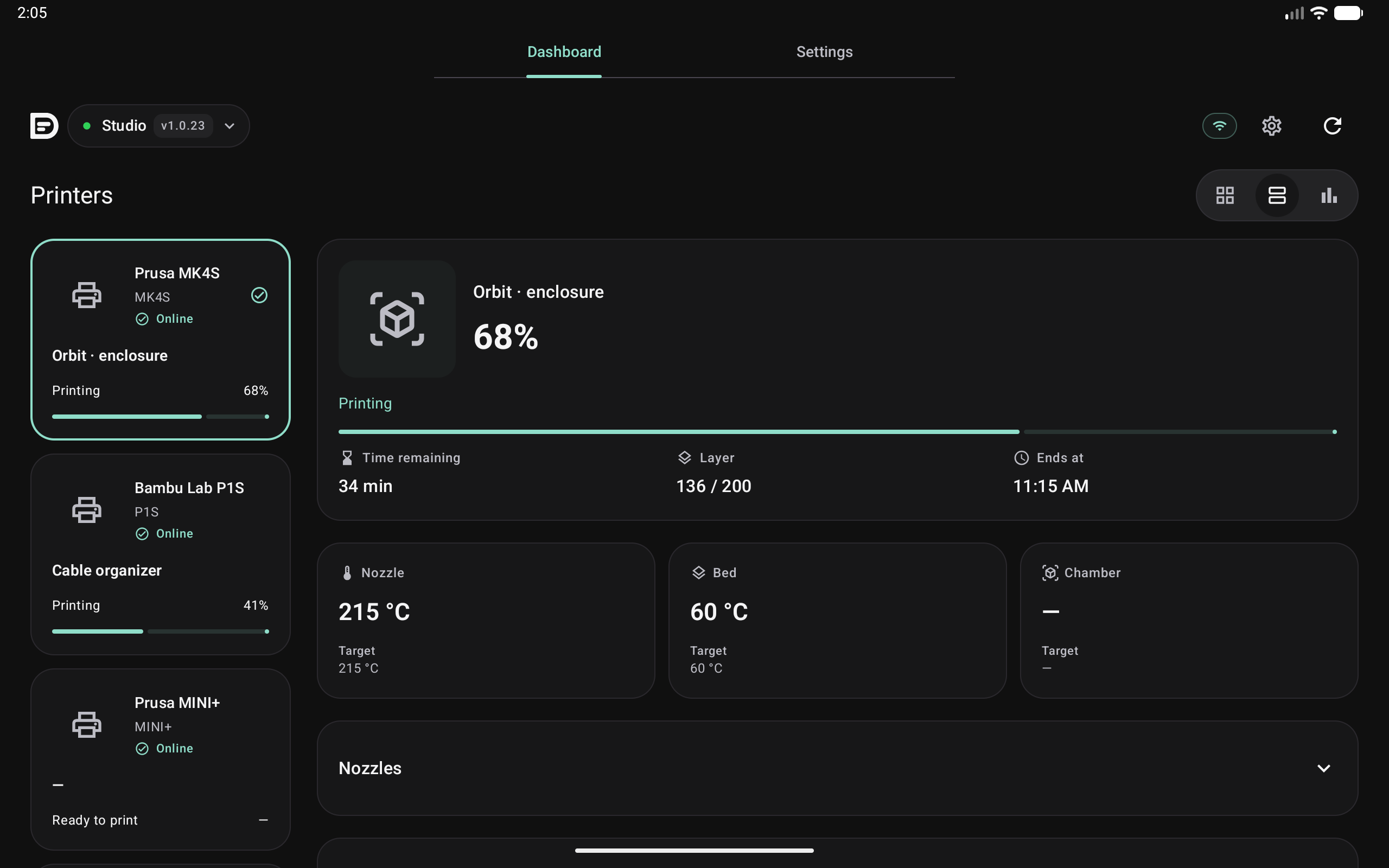
Select a printer on the left and inspect its job on the right without losing the overview.
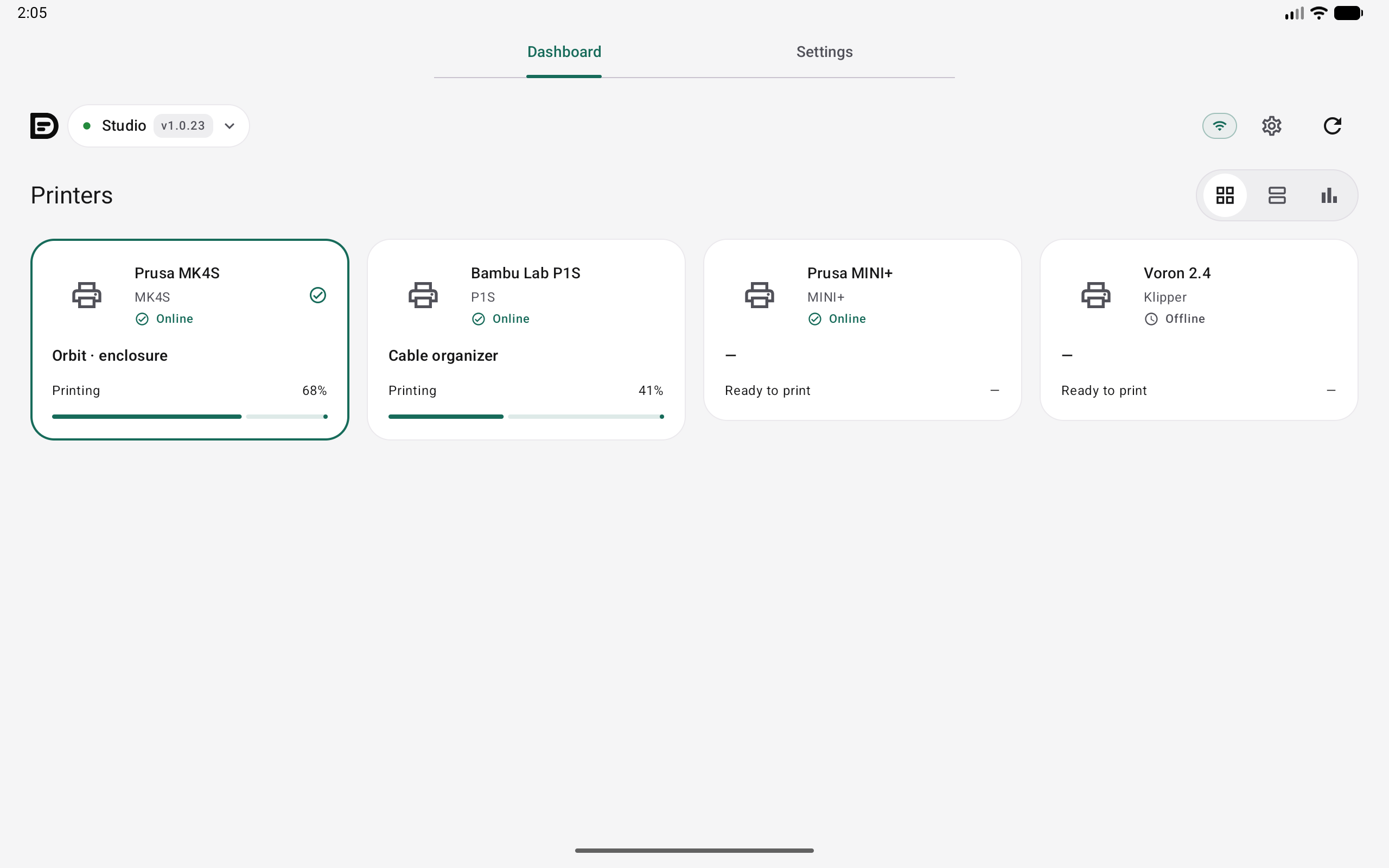
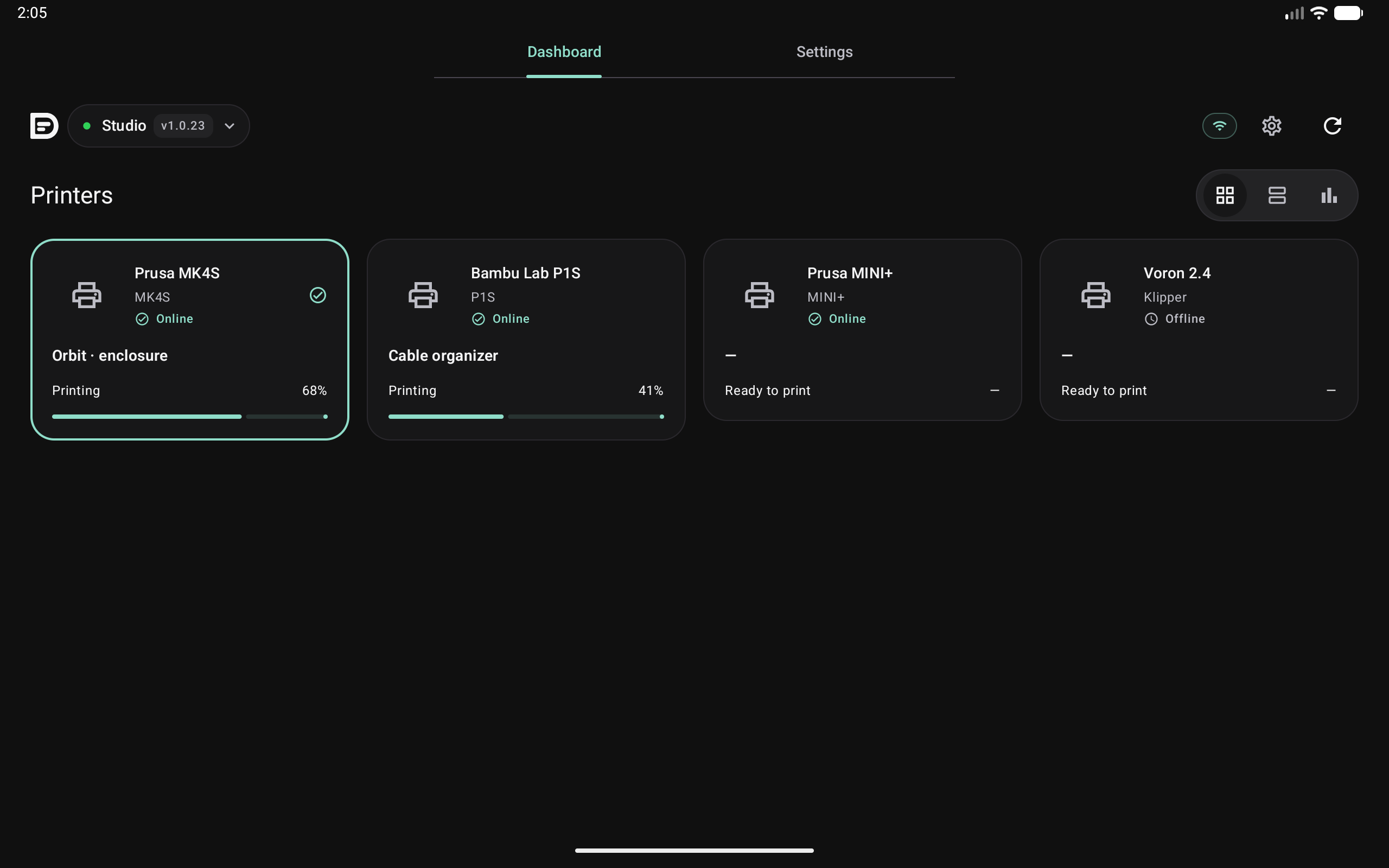
See which printers are printing, in standby or offline.
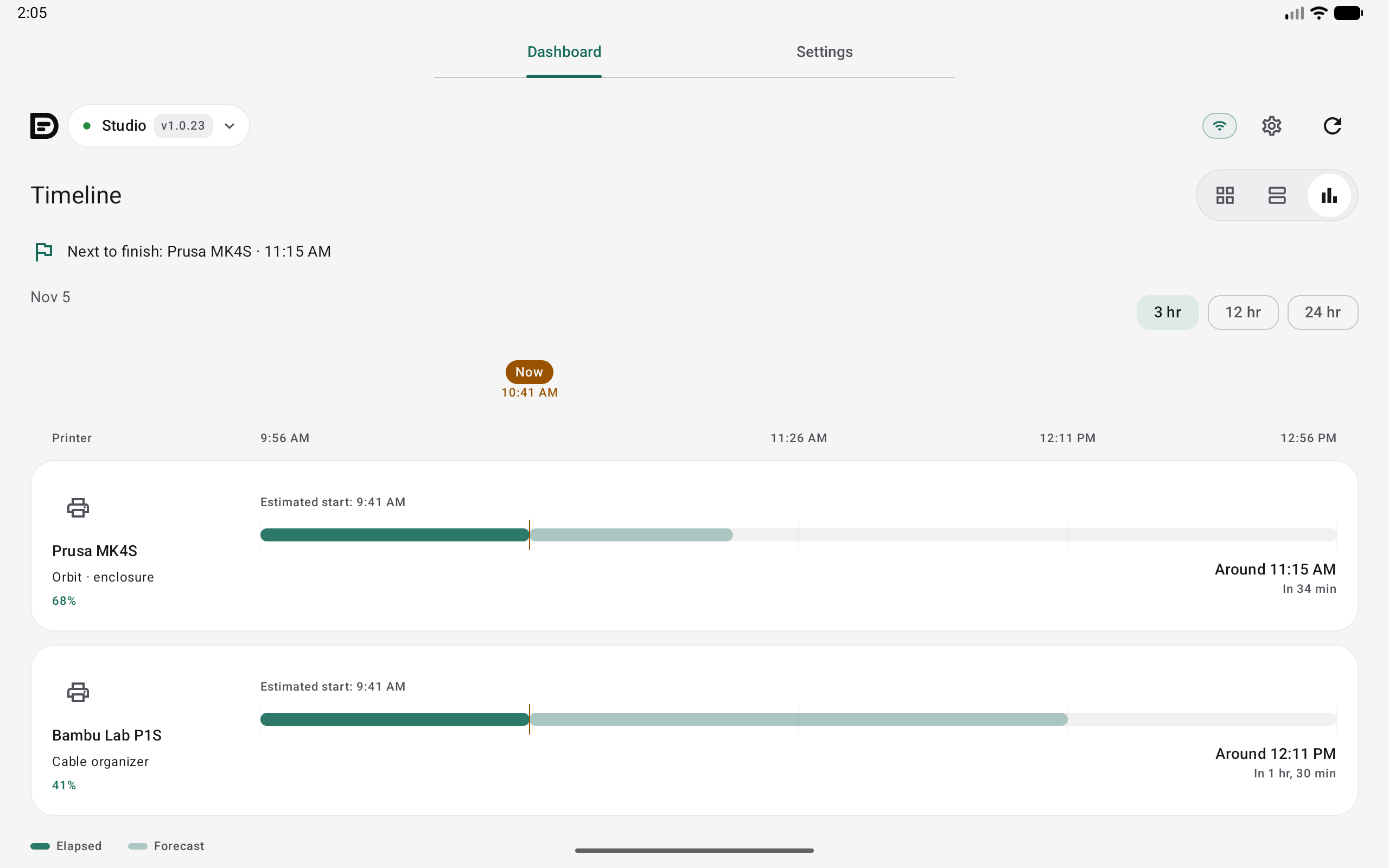
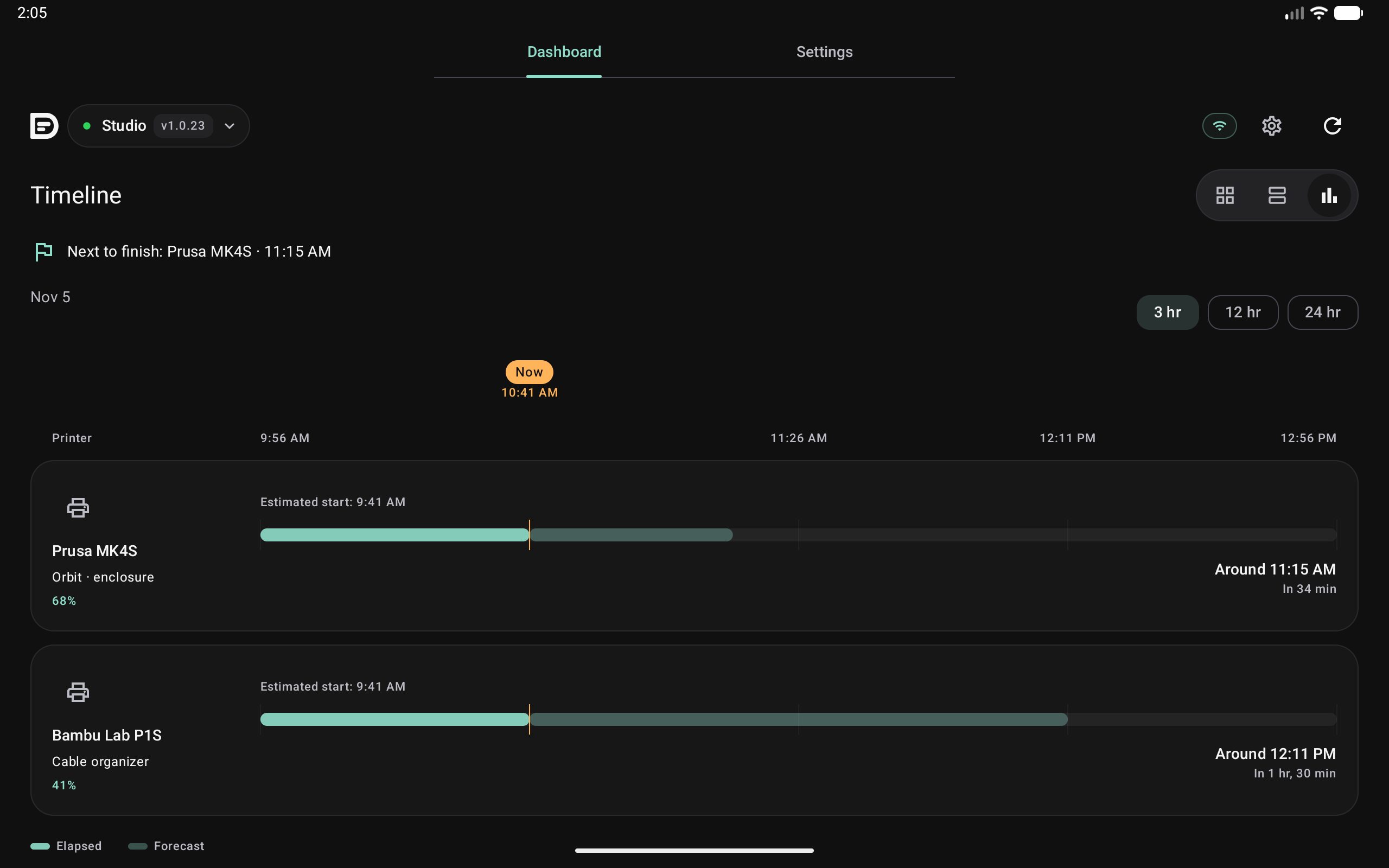
See progress and estimated finish times together in Timeline.
PART OF PRINTDECK CLOUD
PrintDeck connects to your supported printers locally. Pair it with your Cloud account, then use that account in the app to find your devices and printers.
Configure your supported printers in the device’s Web Config.
Open Settings → Cloud in Web Config and pair the device with your PrintDeck account.
Choose a PrintDeck and open one of its printers.
Use PrintDeck on your phone, tablet, computer or Apple Watch.