 2 display formats
 12 tools with Moonraker
 Local direct printer links
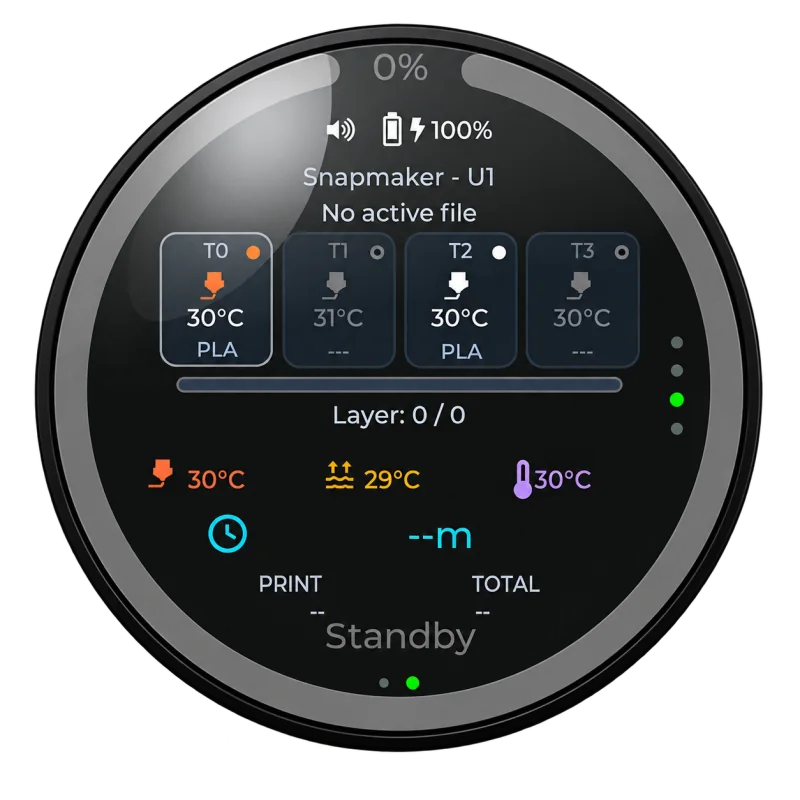
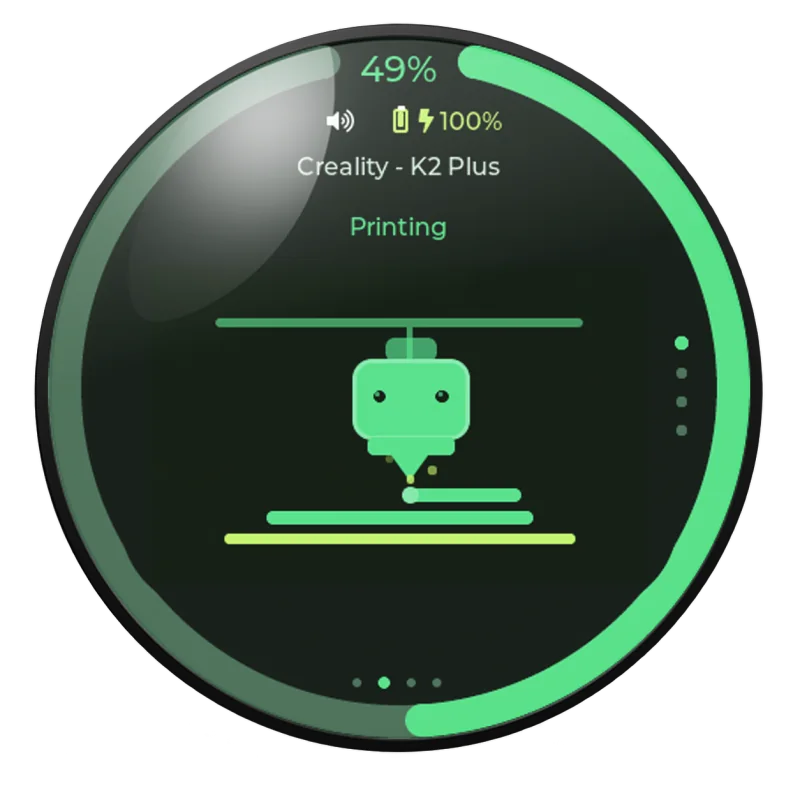
Live print status
See the current phase, layer, temperatures and remaining time at a glance.

PrintDeck firmware turns a compatible ESP32 display into a dedicated local companion for your 3D printer. It connects directly to Klipper and supported Bambu Lab printers.
Independent firmware. Built by 3D-printing enthusiasts, for the community.
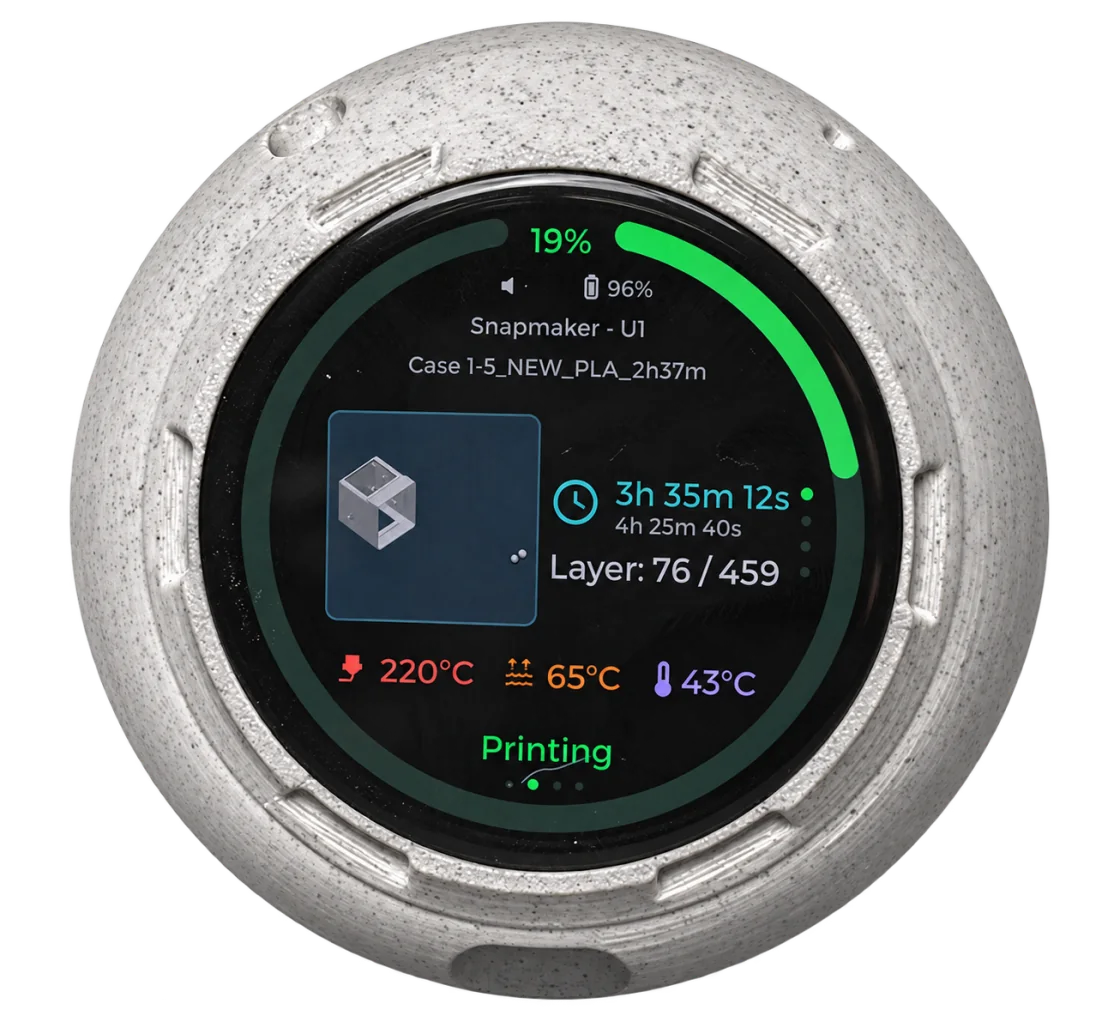
Check progress, temperatures, active tools and the camera without reaching for your phone.
See the current phase, layer, temperatures and remaining time at a glance.
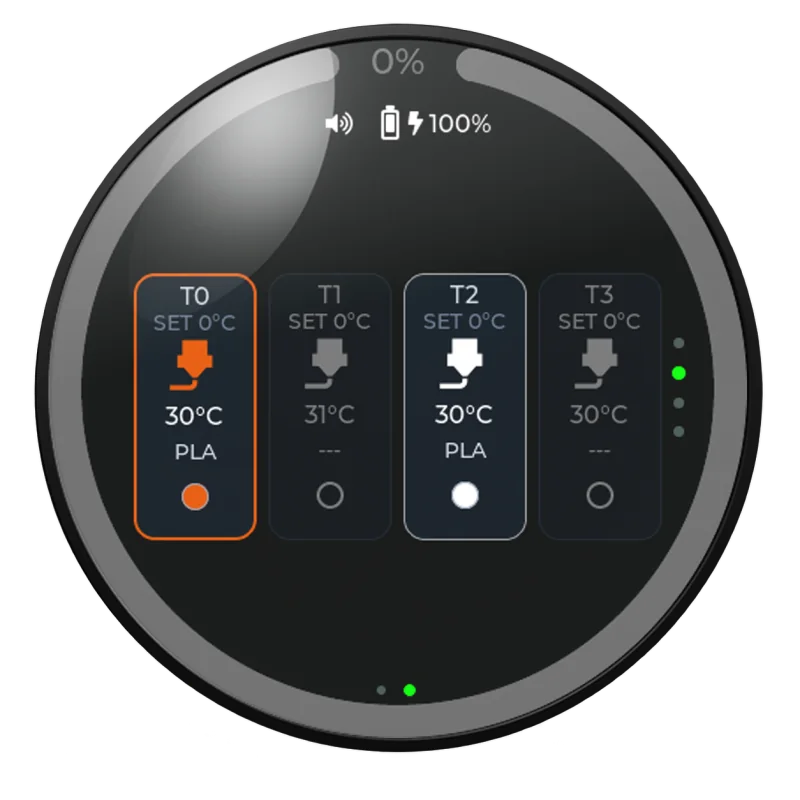
For Moonraker printers, PrintDeck discovers up to twelve extruders and clearly shows temperatures, materials and colours.
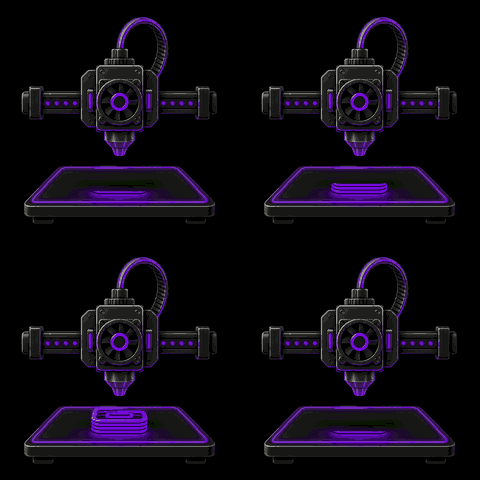
Animations make heating, printing, pausing and completion easy to recognize.
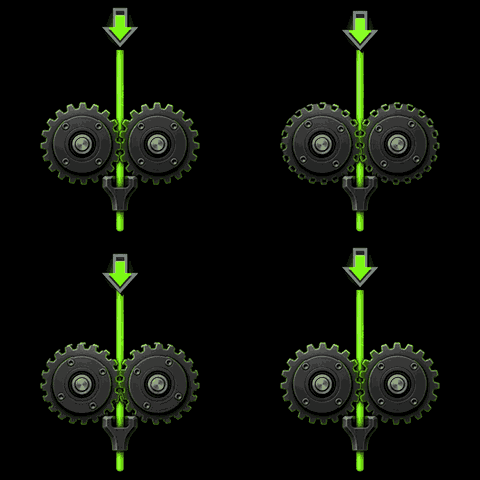
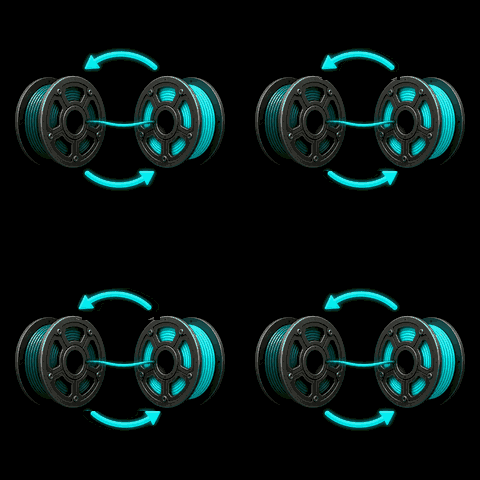
A dedicated animation shows when filament is being loaded or changed.
Choose an animation theme that fits your printer, workspace or favourite colours.
Browse animation sets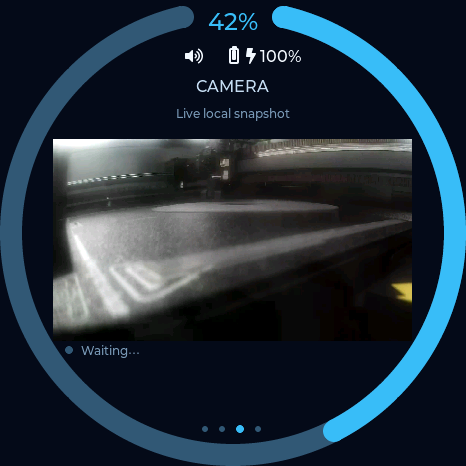
See the printer’s local camera view directly on PrintDeck, without reaching for your phone.
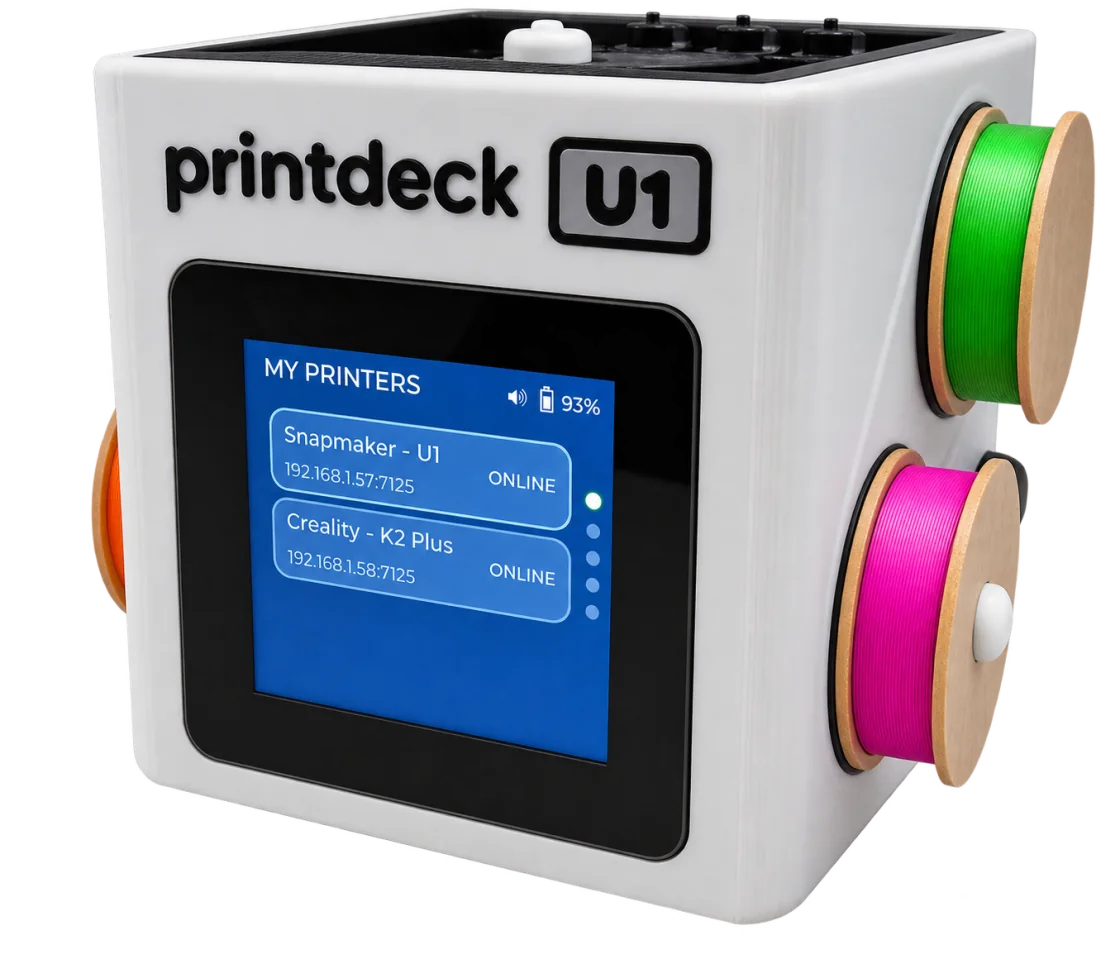
PrintDeck keeps the U1’s job, tool and temperature data on a dedicated display. The matching case mirrors the printer’s design, and the camera view works without modifying the U1.
Reads the U1’s standard configuration over your local network.
See the active tool and its temperature without opening another app.
View the U1 camera directly on PrintDeck, with no printer modification.
Use the round 1.75-inch AMOLED or the compact square 1.54-inch LCD.
Connect the display over USB-C and follow the guided installer—no programming tools required.
Add the printer in Web Config. Its credentials stay on PrintDeck.
A guided USB installer gets you started. After that, PrintDeck remembers your settings, connects directly to the printer and provides recovery Wi-Fi and wireless updates.
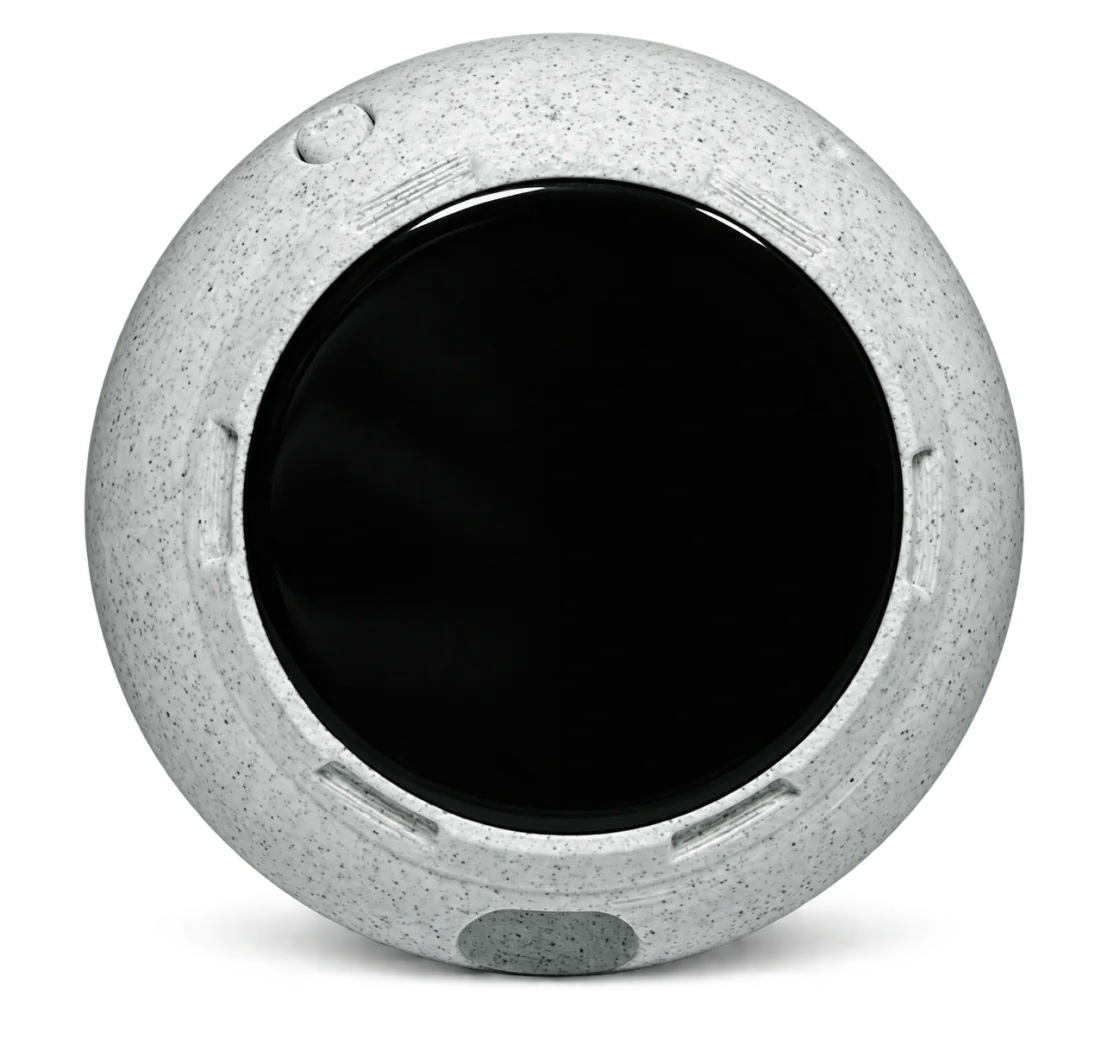
Round or square—choose what fits your setup.
See their temperatures, materials and colours together.
Install over USB and update wirelessly.
Direct connections on your local network.
Place PrintDeck on a desk, carry it around the workshop or attach The Riverstone to a metal surface. Each case gives the same PrintDeck features a different form.
Explore case designs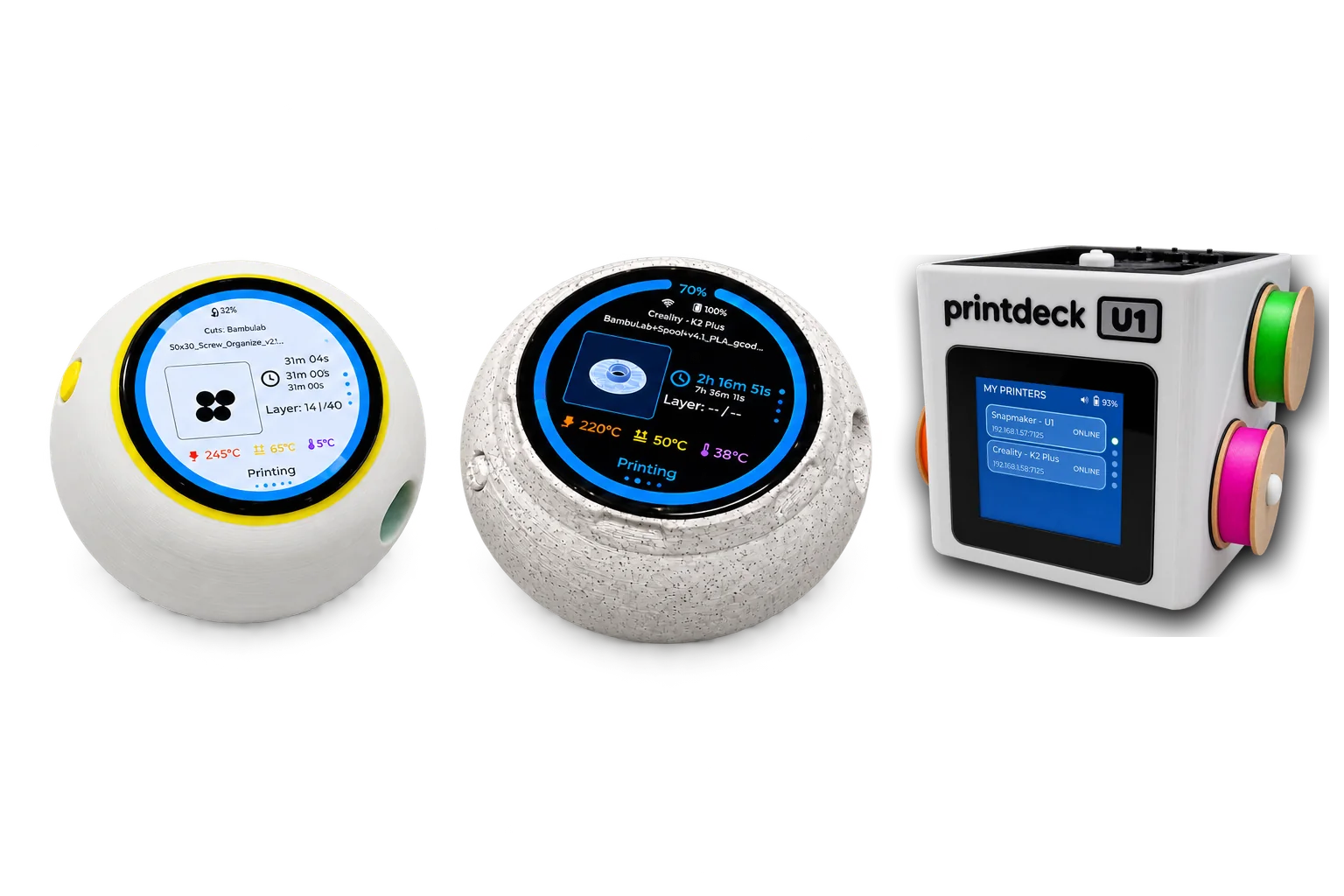

{
  "printer": ...,
  "state": ...,
  "progress": ...
}
MQTT
PrintDeck translates supported printer protocols into one versioned, read-only JSON contract. Build your software once and read the same shape from Klipper and supported Bambu Lab printers.
Install PrintDeck on a compatible display, choose a case and keep the information you need close at hand.