GIF and animated WebP
Keep motion, select the useful moment and let PrintDeck sample the clip into a compact loop.
GIF87aGIF89aAnimated WebP

Turn your files into live PrintDeck reactions.
Drop, crop and make them yours.
The whole workflow runs in your browser through Web Config. Nothing is sent to a conversion service.
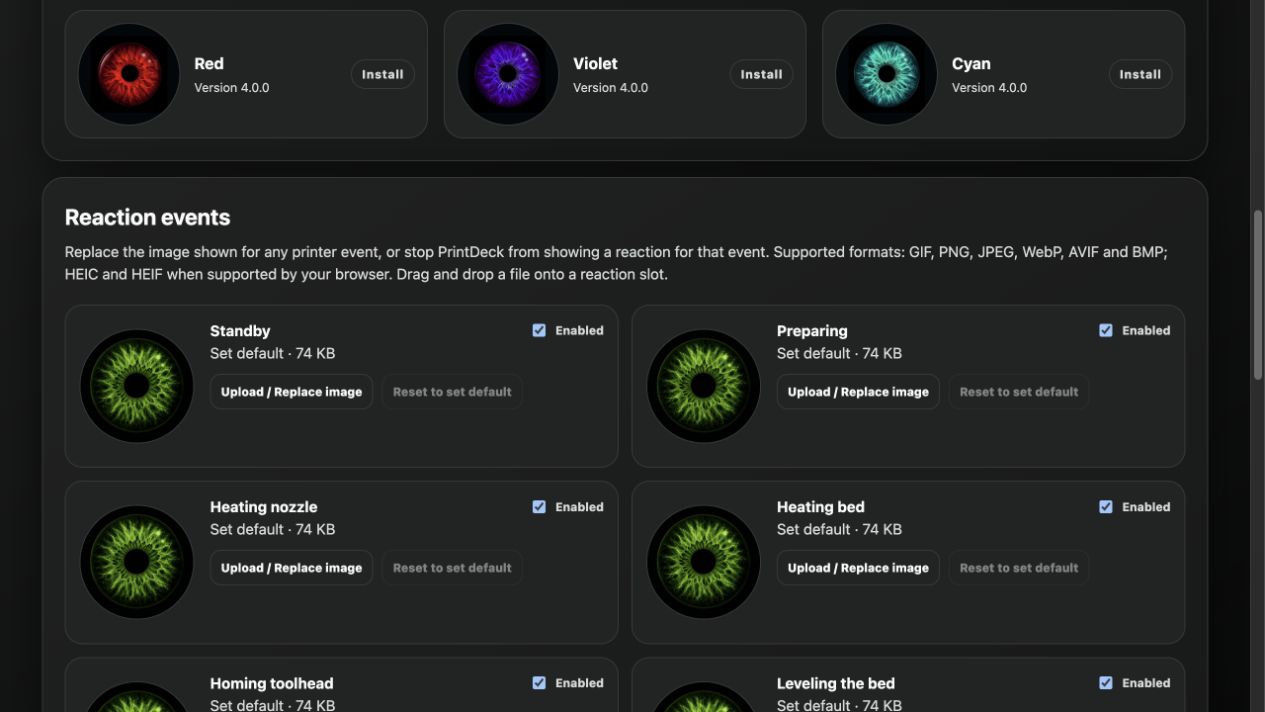
01 · Drop a file directly onto the reaction you want to replace.
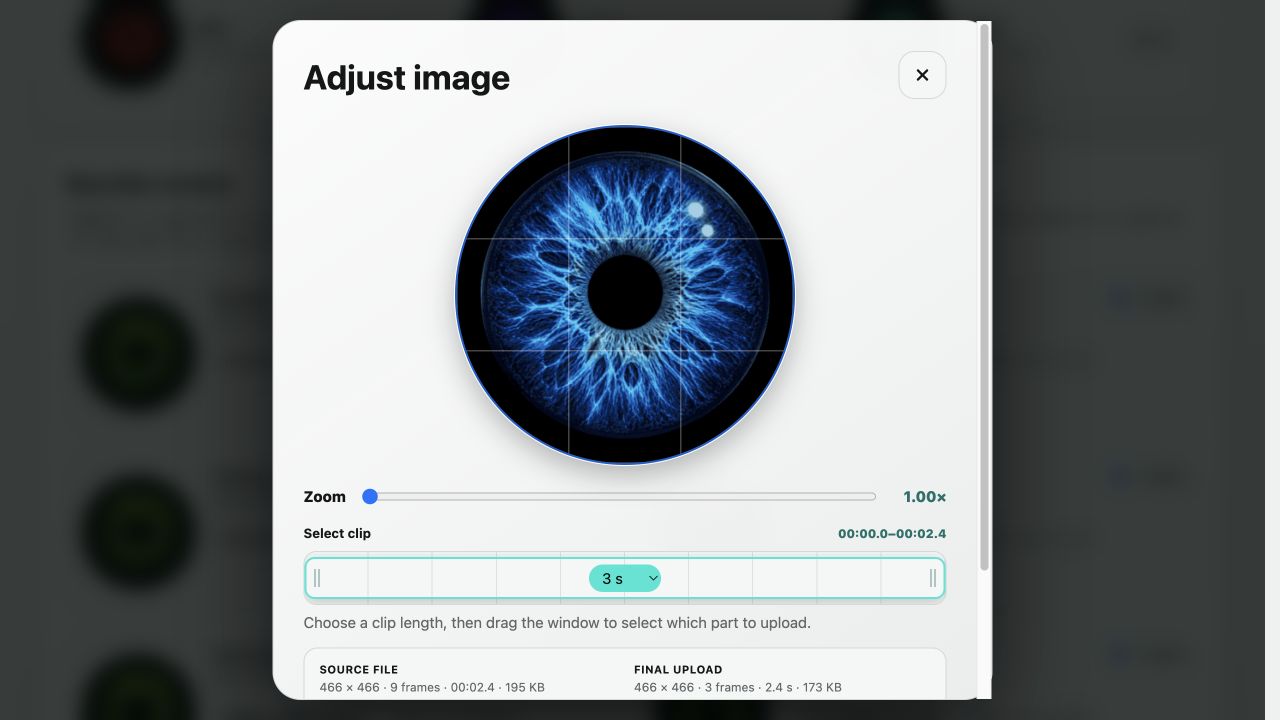
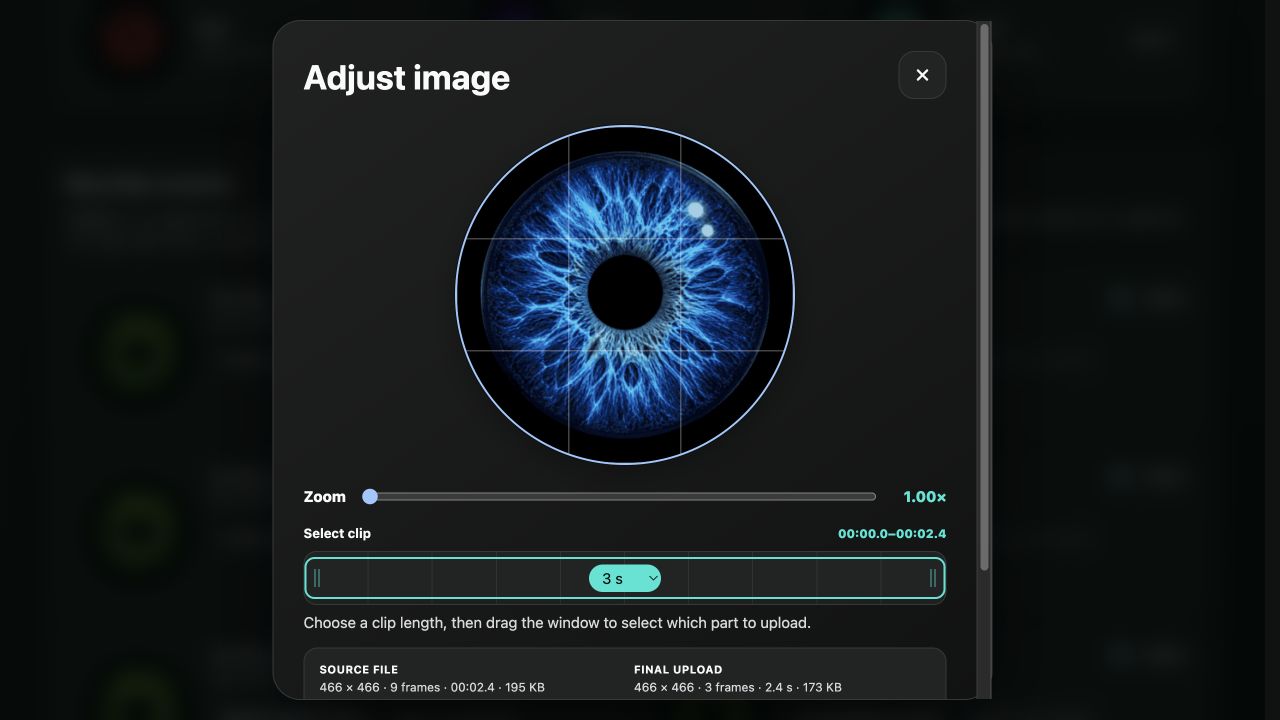
02 · Drag to reframe, zoom from 1× to 4× and choose a 1–5 second clip.
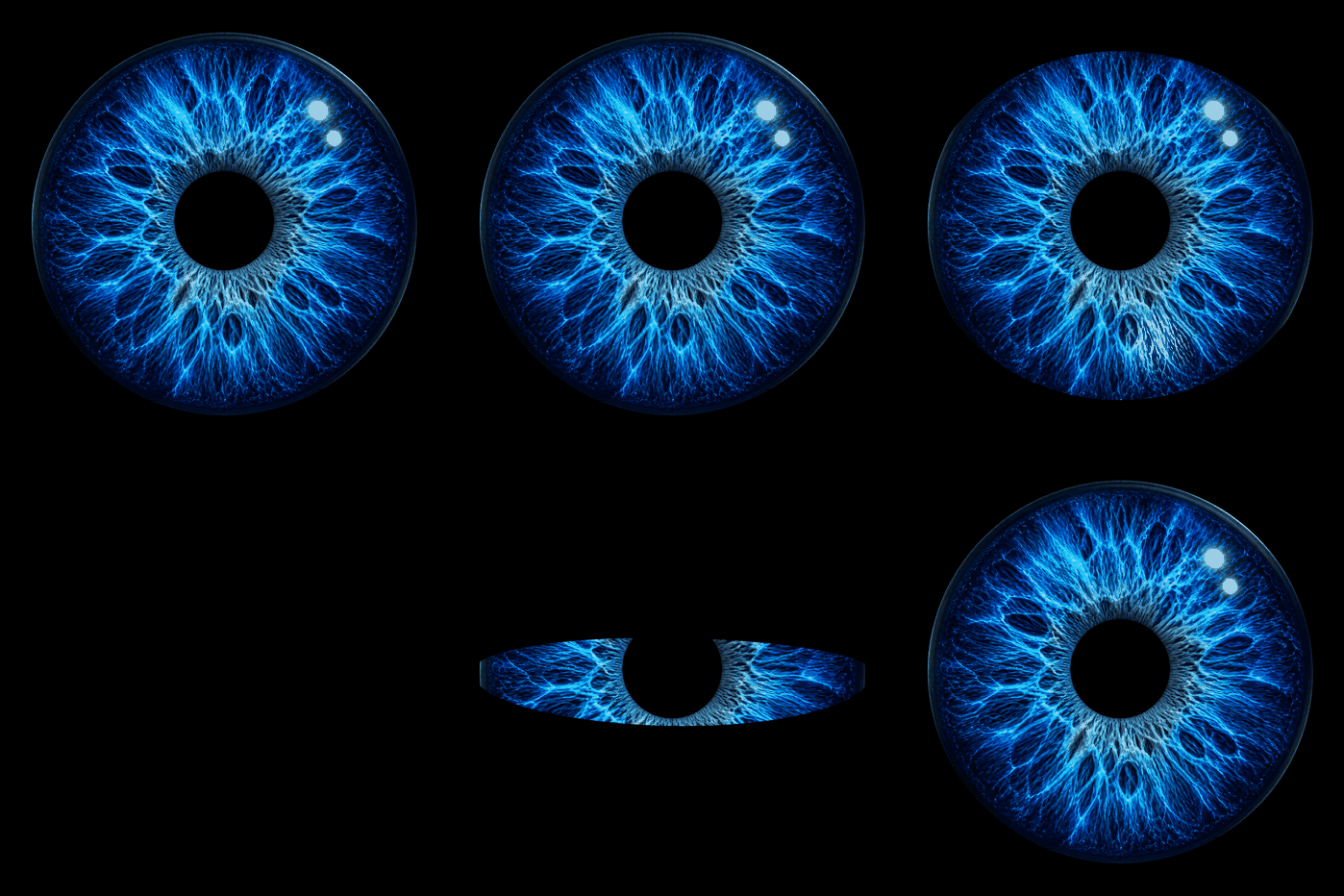
03 · PrintDeck selects frames and adjusts detail to fit the space available on the device.
04 · The new reaction appears when PrintDeck recognizes the matching printer state.
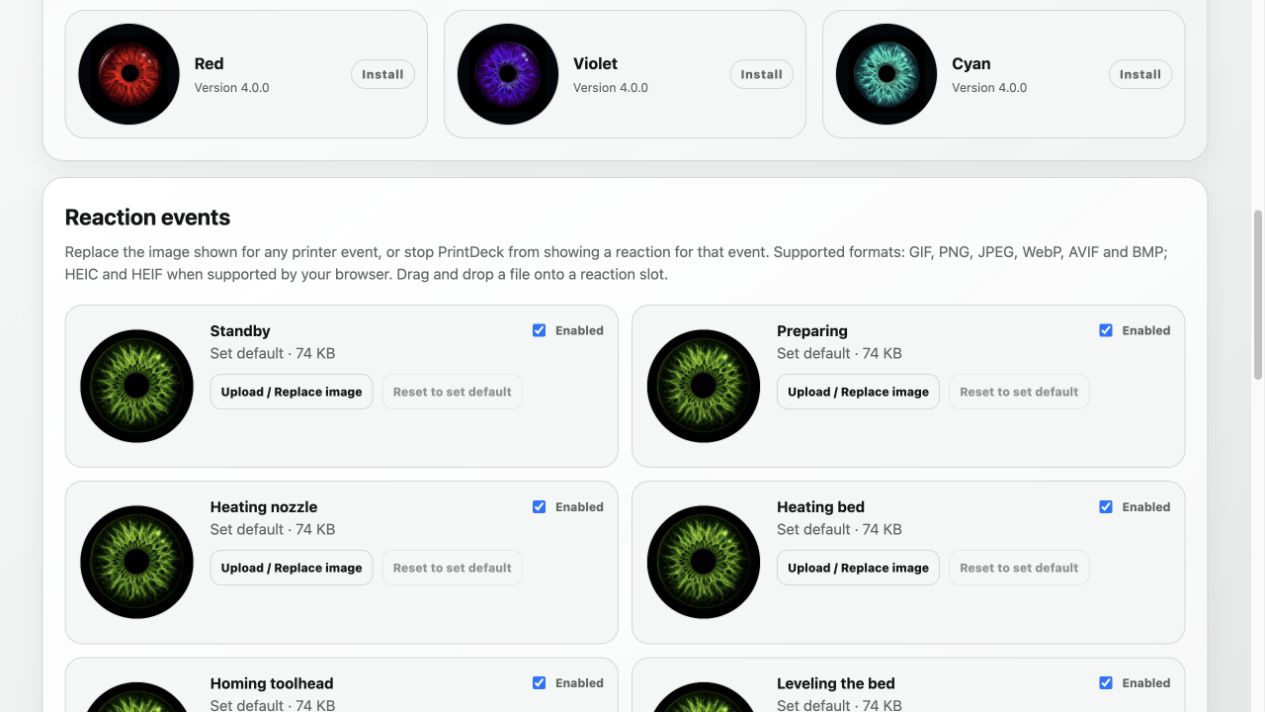
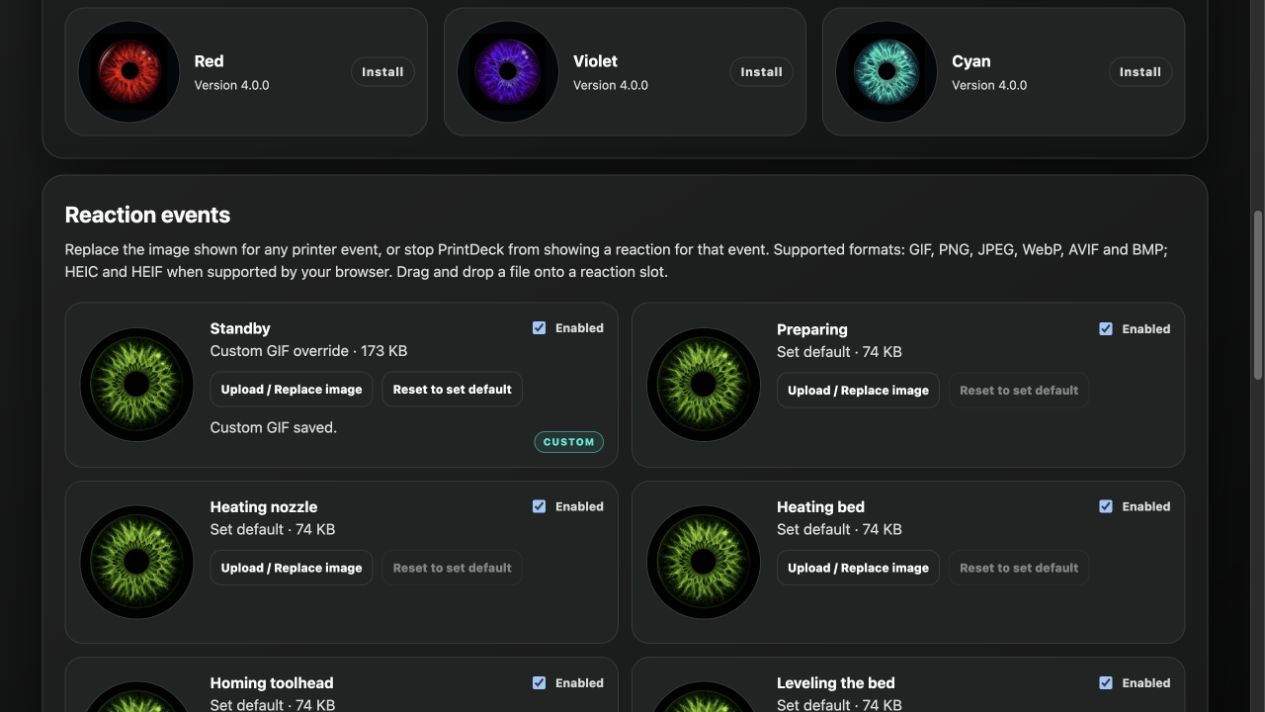
Select any of the 18 reaction slots.
Move, zoom and trim before upload.
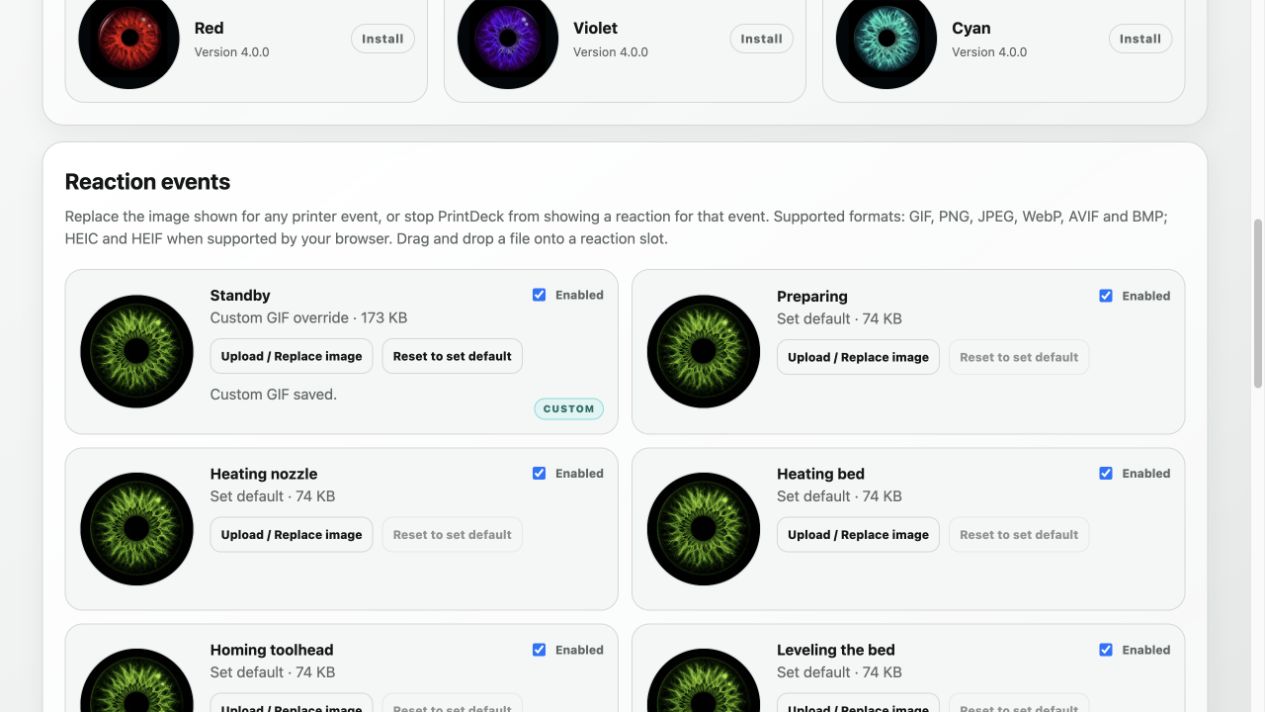
Review the actual optimized GIF.
Apply it now or restore the set default later.
Web Config converts every accepted source into a device-ready GIF with an opaque black background.
Keep motion, select the useful moment and let PrintDeck sample the clip into a compact loop.
A still image becomes a single-frame GIF. HEIC and HEIF also work when your browser can decode them.
Video files are not accepted directly. Convert MP4, MOV or WebM to GIF or animated WebP first. Browser support determines whether HEIC and HEIF can be opened.
Choose an image with the file picker, or drop it directly onto a reaction card in Web Config.
Use the slider or mouse wheel for 1×–4× zoom, then drag the image to choose the square crop.
For longer animations, drag the timeline window and select a clip from 1 to 5 seconds. Shorter animations are used in full.
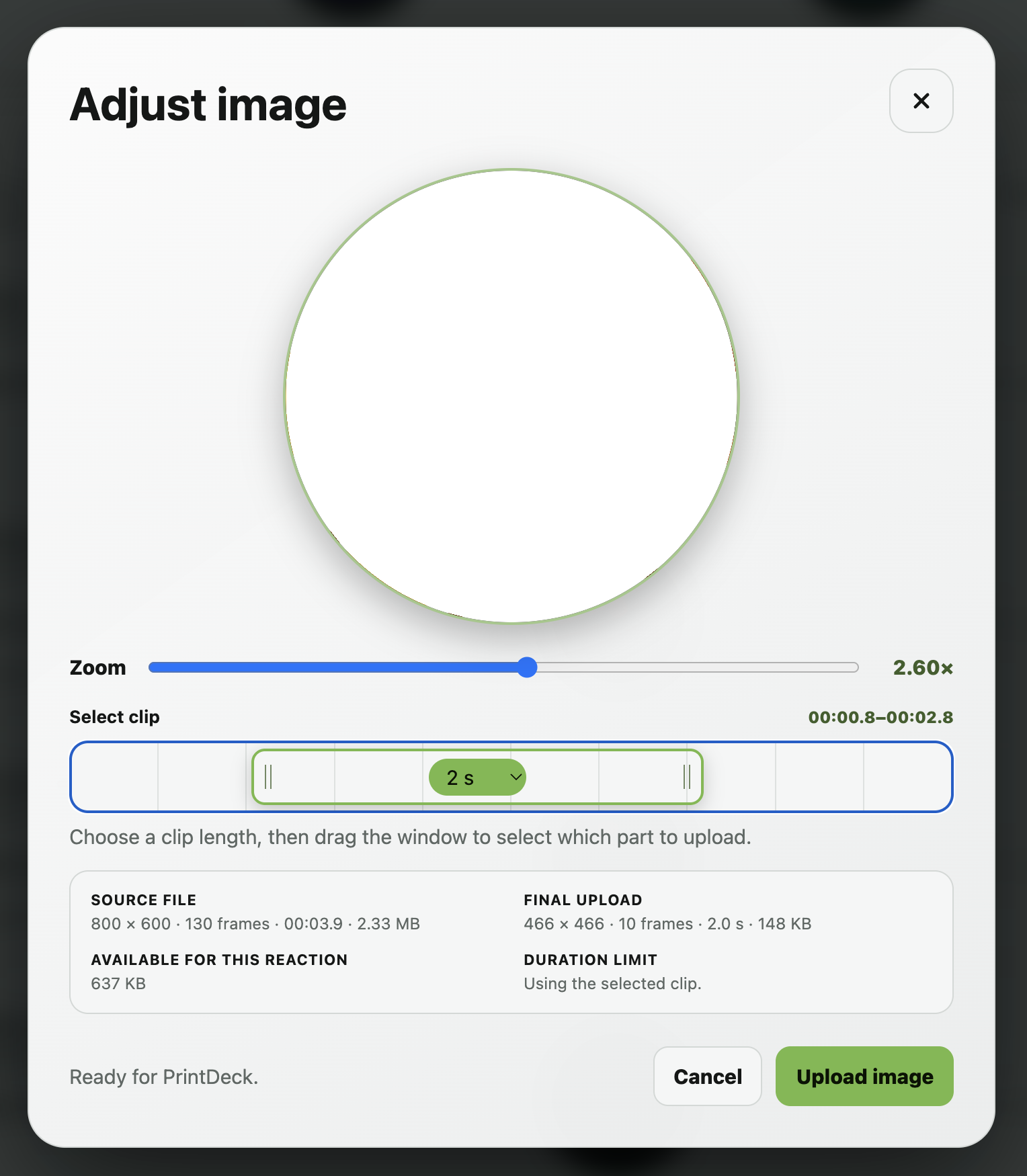
The browser prepares the image for your exact display profile and reduces frames, colours or detail only when needed to stay within the current storage budget.
Supported formats: GIF and animated GIF, animated WebP, PNG, JPG / JPEG, WebP, AVIF, BMP and HEIC / HEIF when supported by your browser.
In Web Config, choose a reaction slot and drop in your file. You can preview every result and restore the built-in animation whenever you like.