

Long-press menu
Touch and hold a regular screen without swiping to open the Quick Menu. Adjust your display or change what you hear and see when a print finishes.
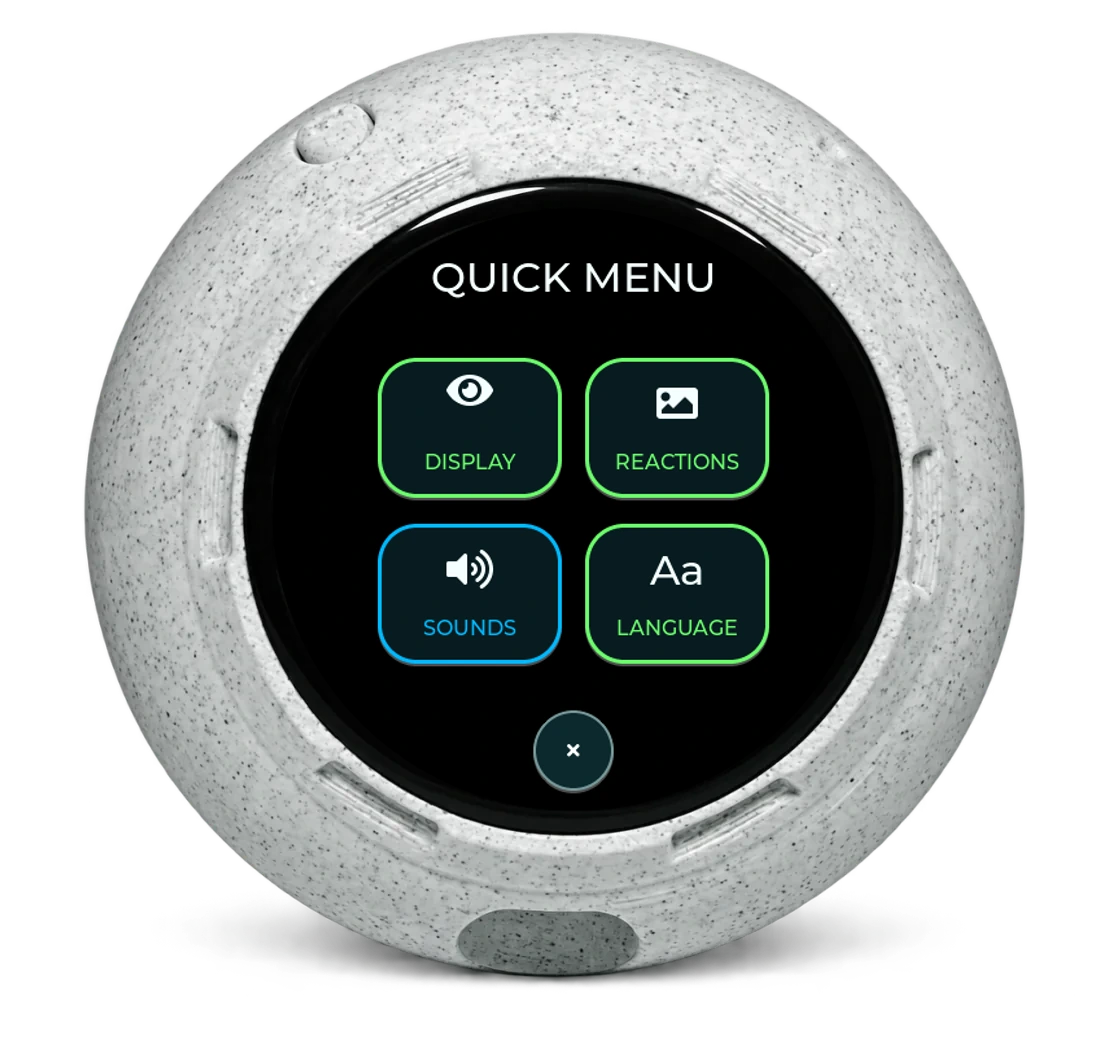
How it works
Browse and download reactions
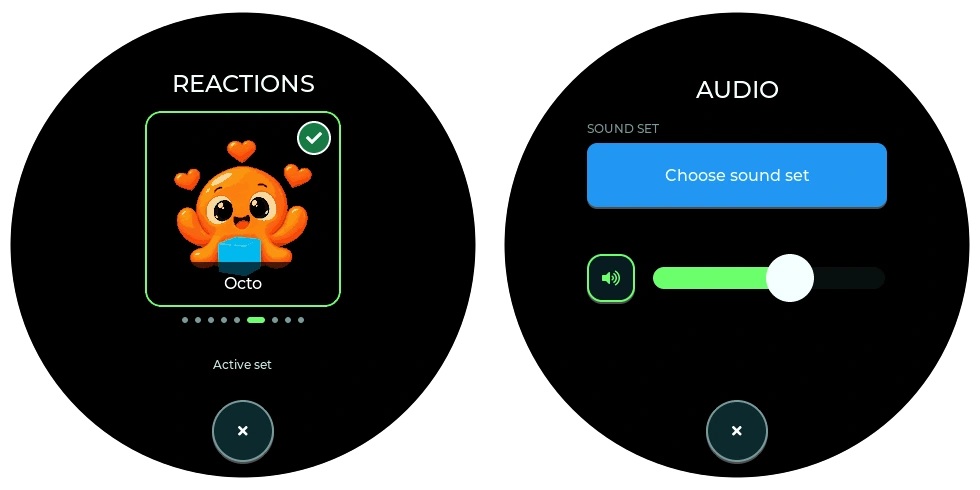
Open Reactions and swipe through the covers. A check mark identifies the active set. Tap another cover while online to download it. Installed animations play offline, and custom event images are kept when you switch sets. Mini uses built-in animations and has no set picker.
Choose sounds and volume
On a model with a speaker, open Sounds to set the volume or mute the display. Choose sound set opens the downloadable packs, including spoken notifications.
Adjust brightness and theme
Open Display and drag the brightness slider. Tap Theme to choose a colour palette for the printer screens.
Switch languages
Open Language and tap the language in its own script. The choice carries over to local Web Config and to spoken alerts when the Voice notifications set is installed.
 iPhone
 Android