

Six interface languages
Use your own language on the PrintDeck display and in Web Config.
How it works
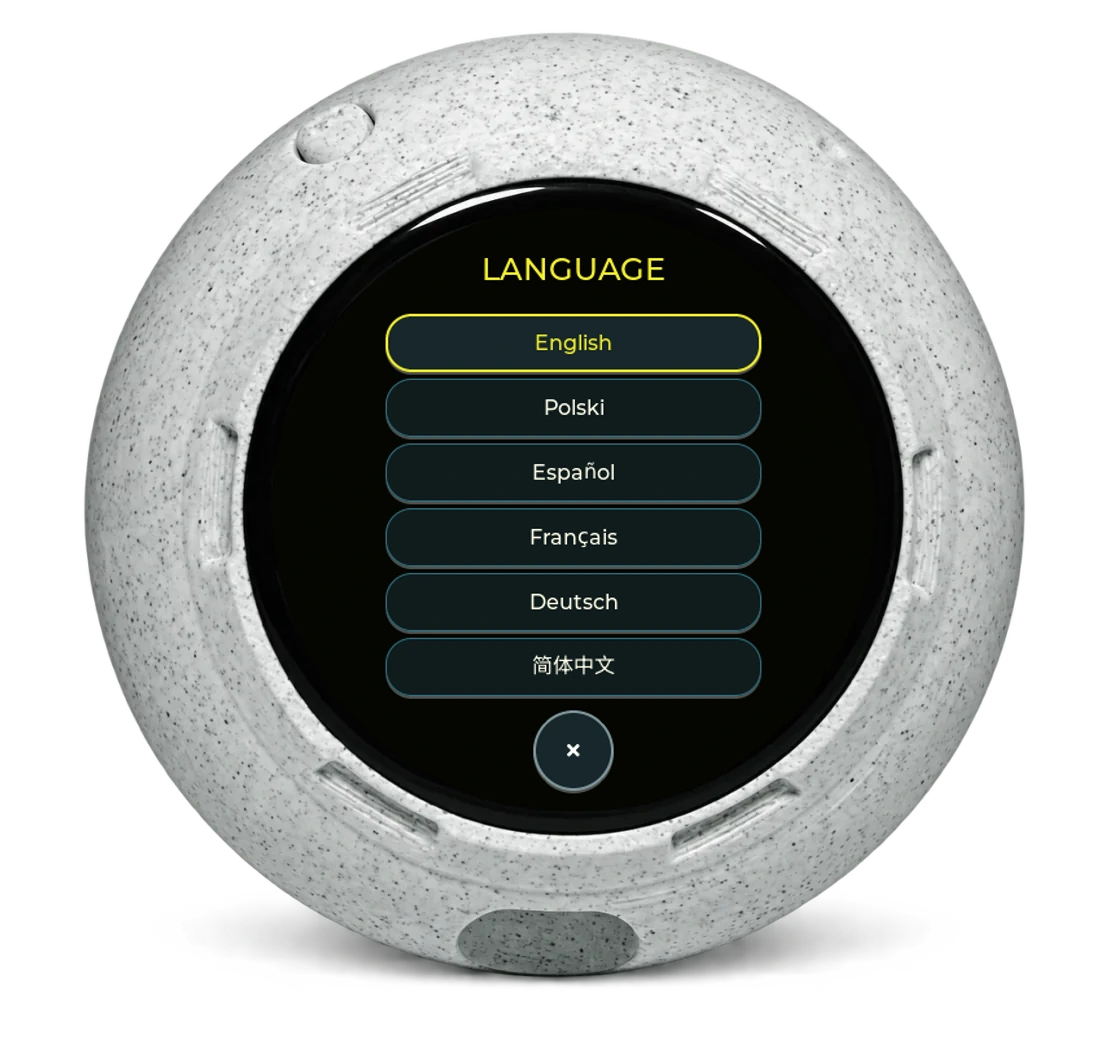
Choose a language on the display
Choose English, Polish, German, French, Spanish or Simplified Chinese. On a touchscreen model, press and hold the display to open the Quick Menu, then choose Language. The list shows each language in its own writing system.
Switch from your browser
You can also choose the language in the Web Config footer, including on models without a touchscreen. The saved choice applies to the device and its local web interface. If the Voice Notifications sound set is installed, its announcements switch languages offline too.
 iPhone
 Android