

Printer reactions
Give heating, printing and the moment a job finishes their own animations on your display.

How it works
Try a reaction on your display
Browse the free gallery to see how different sets depict the same event. On a compatible PrintDeck, open Reactions in Web Config, preview a set and use the test button to play a reaction on the actual display for five seconds.
Install a set and choose its events
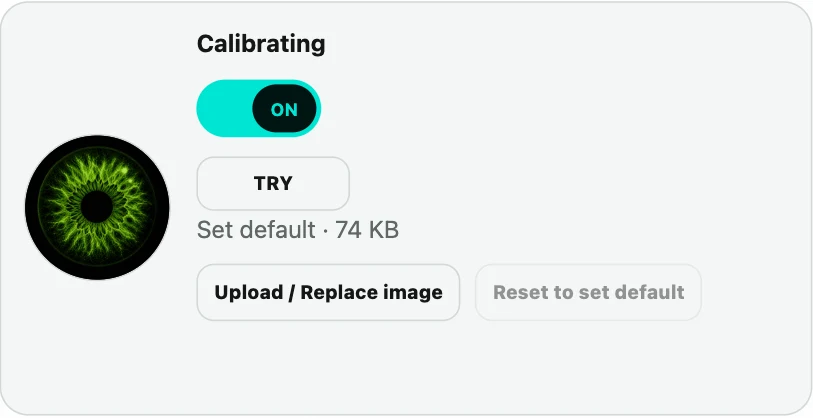
Install the set over the internet and its animations will play offline. You can turn individual events on or off, and installing another set keeps your custom event images. PrintDeck Mini uses built-in animations and has no set picker.
 iPhone
 Android