

Notification sounds
Hear when a print finishes with a short tone or a spoken message in your language.
How it works
Choose a set and test an alert
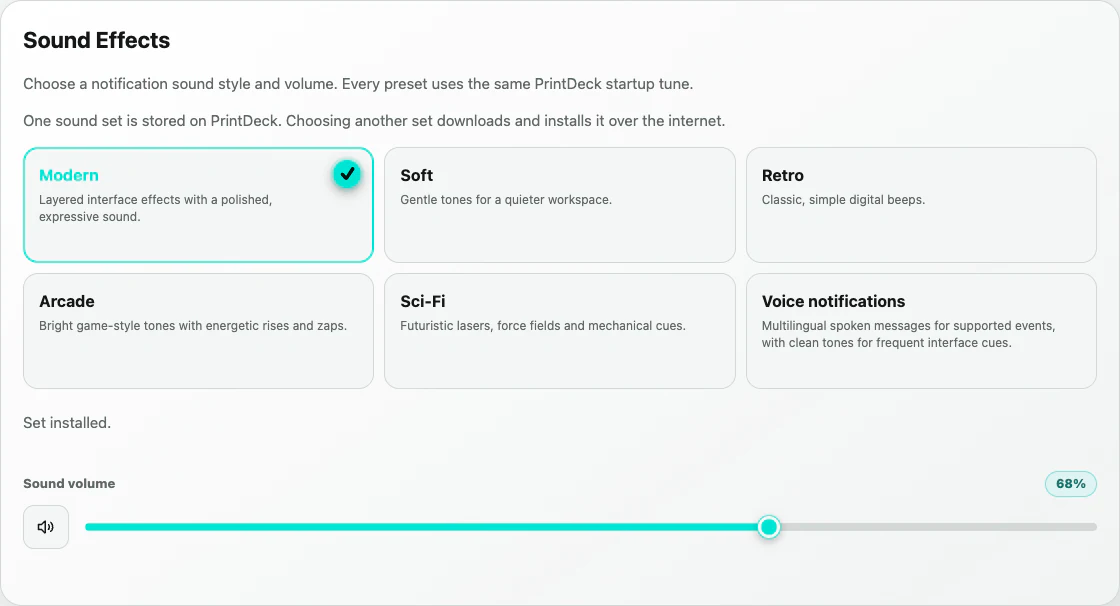
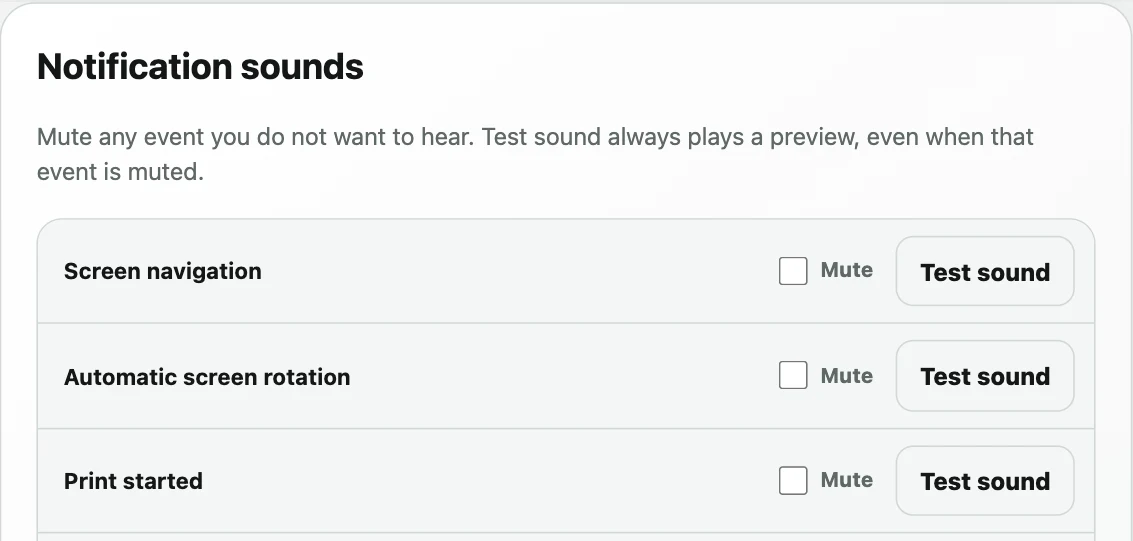
On a PrintDeck with a speaker, open Sounds in Web Config or Audio on the display. Download a sound set such as Soft, Retro or Arcade, then test a notification at the volume you want. You can mute individual events.
Hear alerts in your language
The Voice notifications set downloads English, Polish, German, French, Spanish and Chinese together. Once installed, spoken alerts follow the display language, even when the device is offline.
 iPhone
 Android