

Display themes
Preview a colour palette on a sample printer screen before applying it to your PrintDeck.
How it works
Compare the built-in palettes
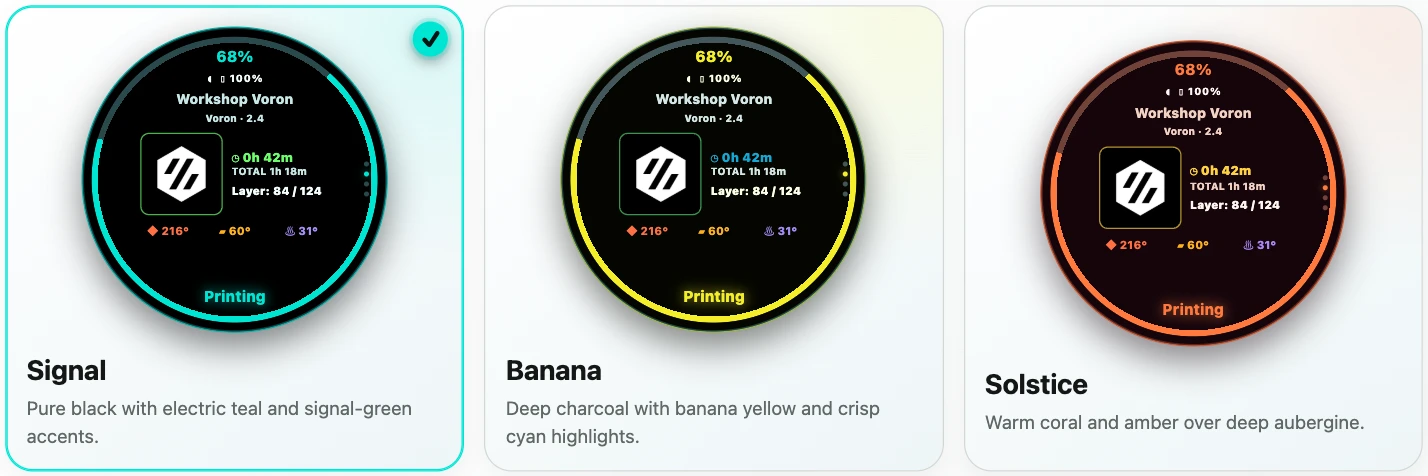
Open Themes in Web Config to compare the same printer readings across several palettes. Signal pairs a black background with teal and green. Banana uses yellow and cyan, while Solstice combines coral and amber. Select a card to apply it to your display.
Pick your own colours
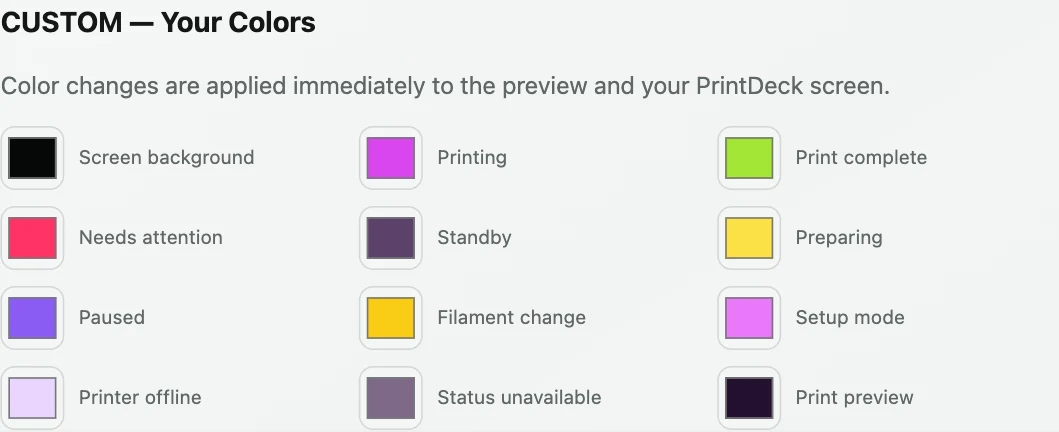
For a palette of your own, choose Custom and adjust the screen colours. The touchscreen Quick Menu also lets you pick a built-in theme under Display. The light and dark controls in the Web Config footer change the appearance of the browser itself.
 iPhone
 Android