

How it works
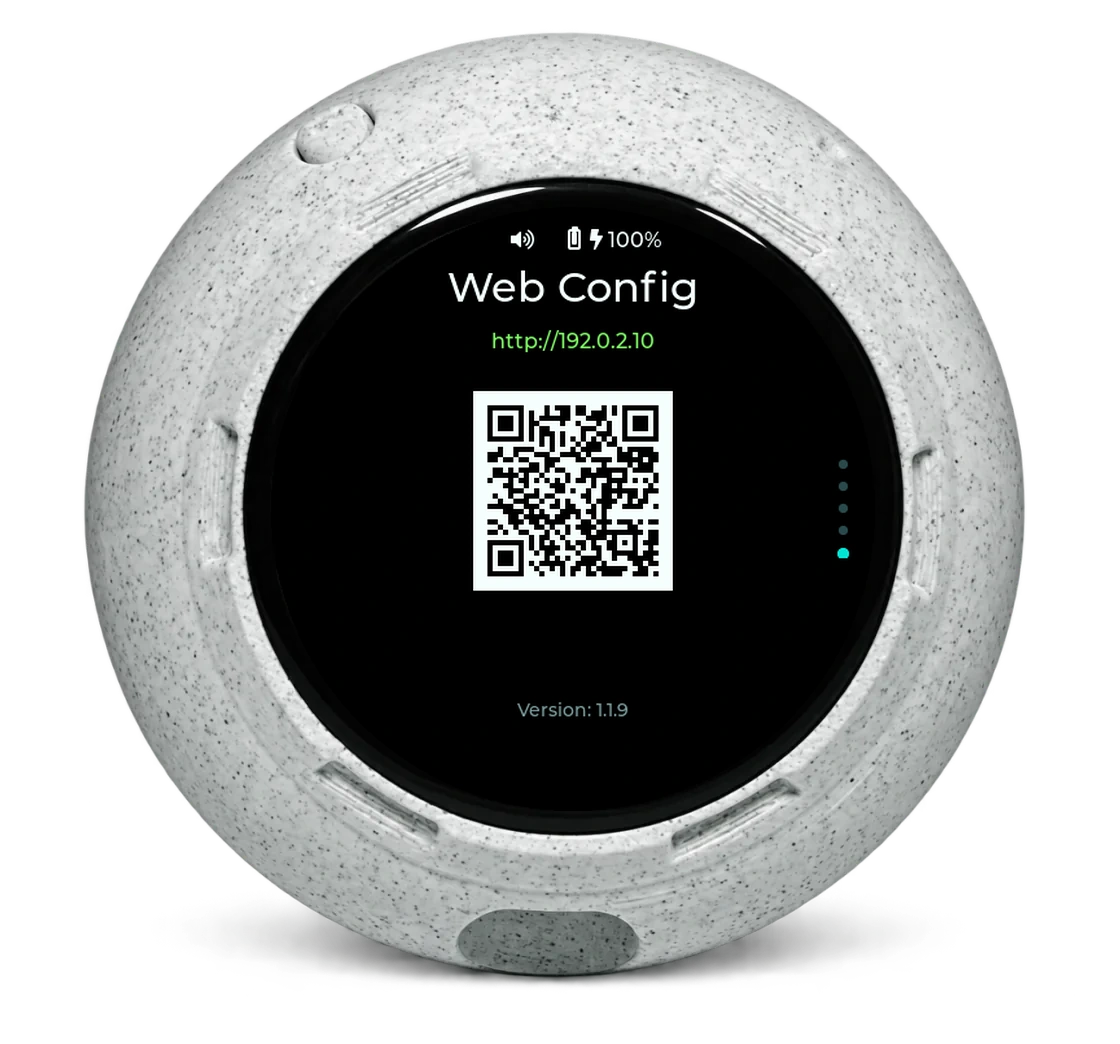
Scan the code on your display
Web Config is the fifth main screen, just after the analog clock.
- From the top of My Printers, swipe down once to reach it directly.
- Connect your phone to the same Wi-Fi and scan the QR code in the middle of the display. Your browser opens the device’s local settings.
Open Web Config on a computer
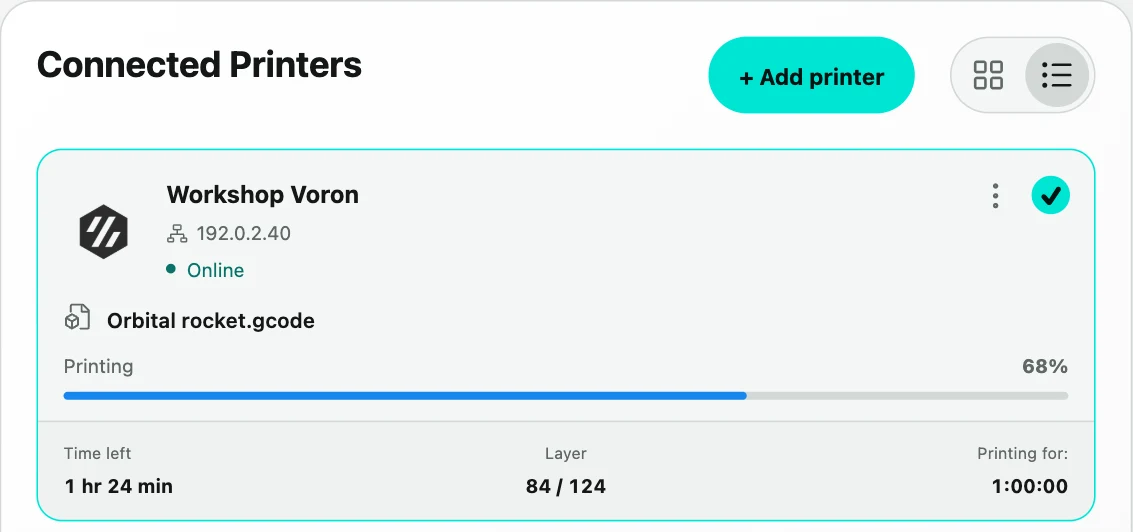
On a computer, enter the HTTP address shown on the display or try http://printdeck.local. You can add printers, adjust the display and manage sounds in the browser. To access a paired device away from home, use PrintDeck Cloud.
 iPhone
 Android