

Filament systems
Check which material and colour are in each slot before you walk over to the printer.
How it works
Switch between feeder units
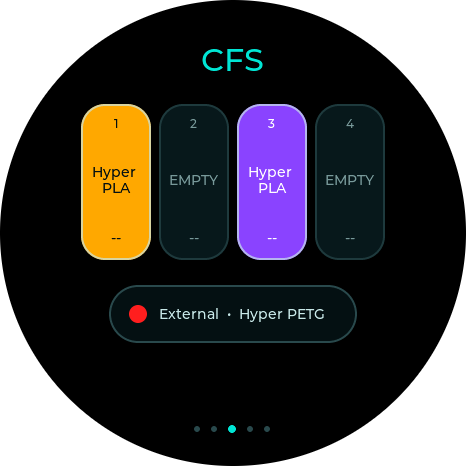
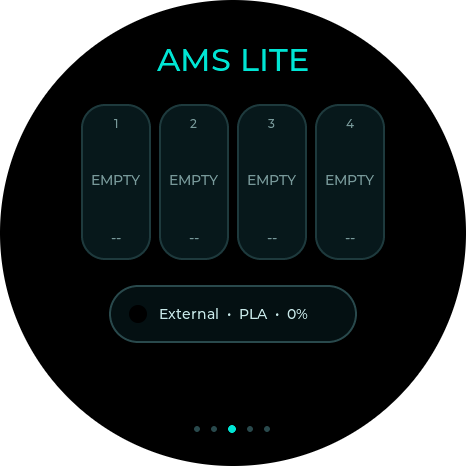
PrintDeck reads Bambu Lab AMS and AMS Lite, Creality CFS on supported Moonraker printers, and ACE Pro on the Anycubic Kobra S1. Swipe between units on the device. With CFS, up to four connected units each have a page with four slots.
Read the slots and active spool
Each slot shows the reported material, colour or empty state. A feeding indicator appears only when the printer identifies the active slot. An external spool is listed separately. These pages are read-only, so loading or switching filament stays on the printer.
 iPhone
 Android