

Local camera view
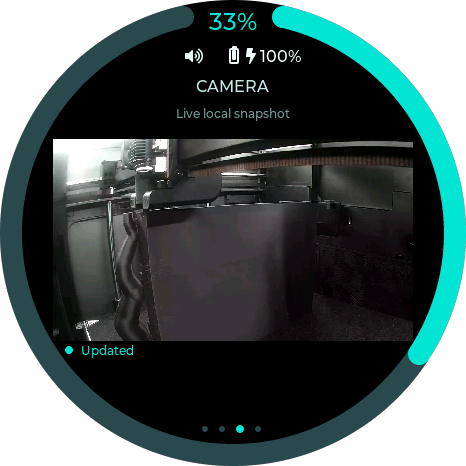
Look inside the printer from your PrintDeck display while the job is running.
How it works
Snapshots and live video
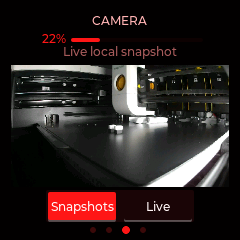
Open the camera page of an online printer. Depending on the model, you will see refreshed snapshots or a live stream.
A Snapmaker U1 with PAXX offers both modes. Some cameras, including the Creality K2 family, use WebRTC. Allow around 30 seconds for the first image on a slow connection, sometimes longer.
Open the camera full screen
Tap the picture on KNOMI v2 or another touch display to fill the screen. On Panda KNOMI, use Device Live View in your browser to do the same. Leaving the camera page stops reception. The available frame rate depends on the printer, Wi-Fi and display.
 iPhone
 Android