

Printer controls
Monitor by default and choose whether to enable the controls your printer supports.
How it works
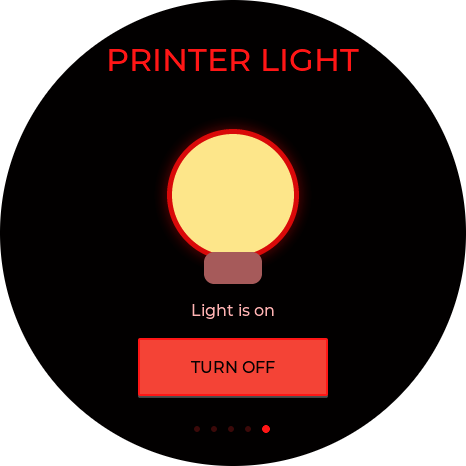
Light up the chamber
Printer control is off by default. You can still check the print and, if the printer provides a chamber light, switch it on to see inside. The light has its own control and works independently of the print controls setting.
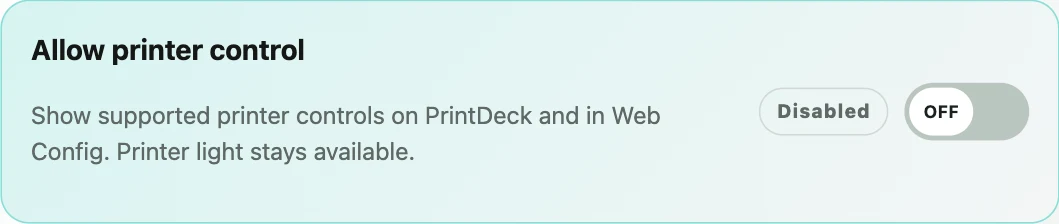
Enable supported print controls
For a compatible model such as UniFormation GK3 Ultra, enable printer control in Web Config to pause, resume or stop a job. Available actions depend on the printer and its current state. No further printer controls are currently planned.
 iPhone
 Android