

Back up and restore your setup
Save your printer connections and display preferences before a clean installation or a move to compatible hardware.
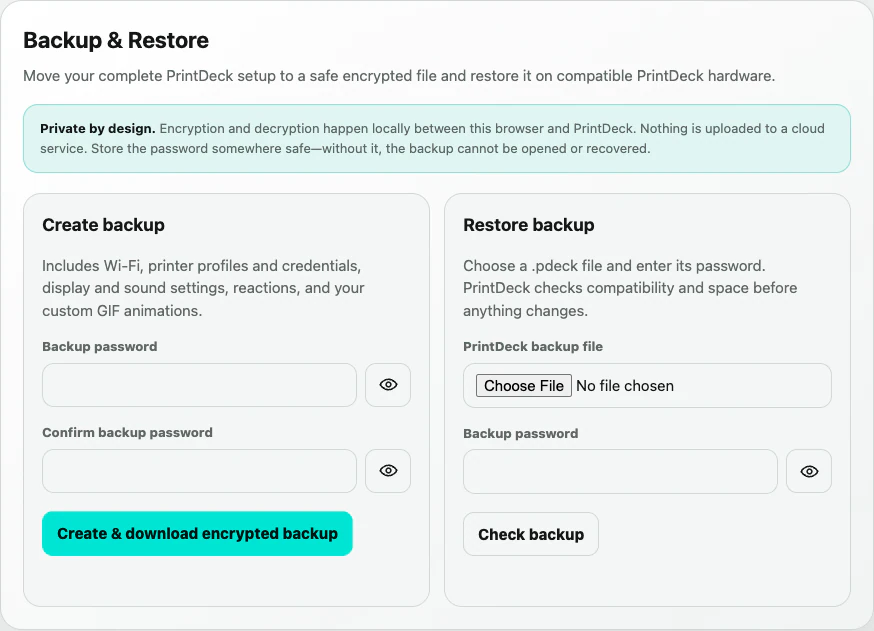
How it works
Save an encrypted backup
Open Backup & Restore in local Web Config. Choose a password and download the encrypted .pdeck file. It includes Wi-Fi settings, printer profiles and credentials, display and sound preferences, and any custom reaction GIFs.
Keep the backup password
Store it separately, for example in a password manager. PrintDeck uses the password locally and keeps no copy. If you lose it, the .pdeck file cannot be decrypted. PrintDeck support cannot retrieve or reset the password to unlock that file.
Restore from a .pdeck file
Use the same PrintDeck hardware model that created the backup. It can be another unit of that model. For example, a backup from the 1.75″ AMOLED cannot be restored to the 1.54″ LCD.
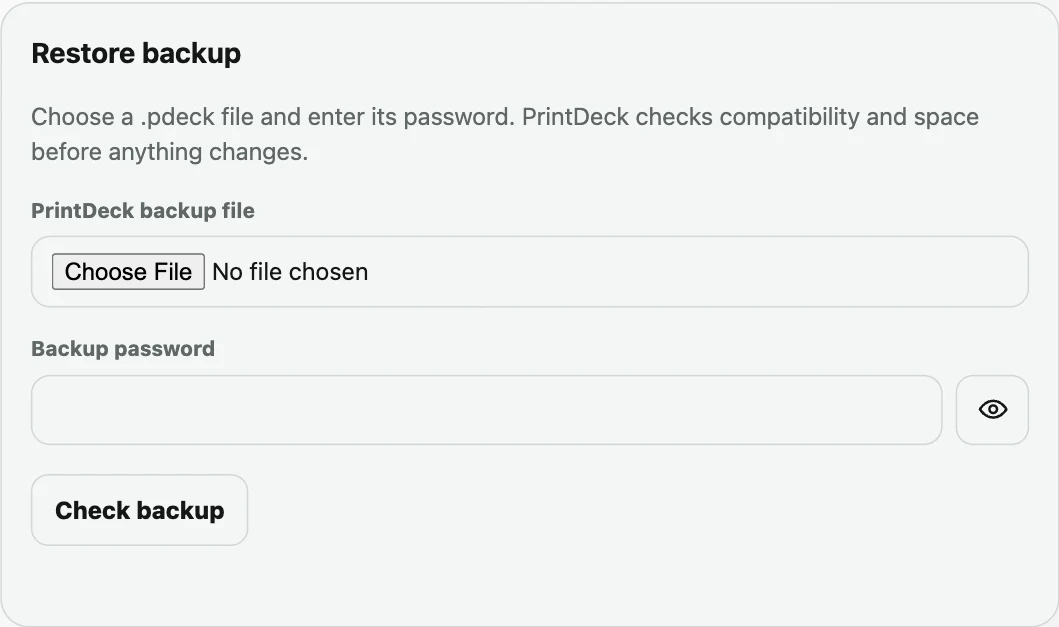
- To restore, select the file, enter its password and check the backup.
- Review the printer and animation counts before confirming.
You can keep the device’s current Wi-Fi settings so the browser can reconnect after the restart.
 iPhone
 Android