

Automatic switch to the printer status screen
When a print starts, its dashboard can open on its own. That is especially handy on a Panda KNOMI, which has no touch input.
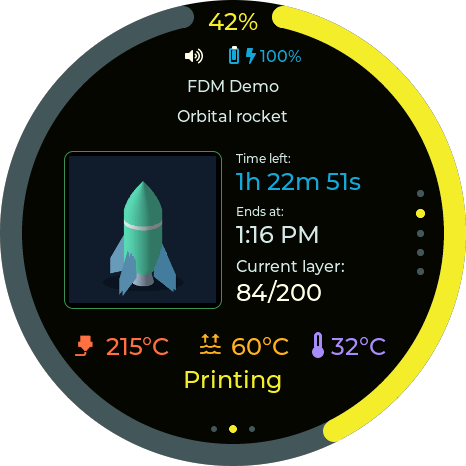
How it works
Which printer opens at startup?
This feature is on by default. At startup, PrintDeck opens the selected printer if it is online, even in standby. Otherwise it looks for an active job. It opens an idle alternative only if it is the sole configured printer.
When a new job starts
Later, while My Printers is on screen, a newly detected job in preparation or printing can open its dashboard. Your clock, settings and current printer view stay in place. Returning to the list keeps it open until another print starts. Detection follows the list refresh interval.
Choose printers manually
Switch off Automatic printer screen below My Printers to choose every printer yourself.

 iPhone
 Android