

Switch between PrintDeck devices
Open another PrintDeck on the same Wi-Fi from the top of Web Config.
How it works
Name each PrintDeck
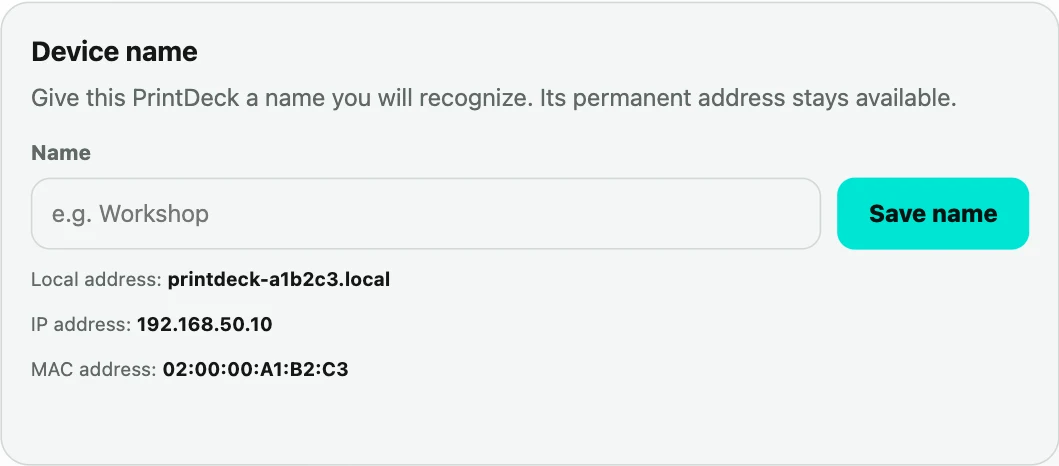
Give each PrintDeck a name in Device Settings, such as Workshop or Studio. Each has its own local address. For example, a device named Studio can be reached at http://printdeck-studio.local on a network that supports local names.
Switch to another display
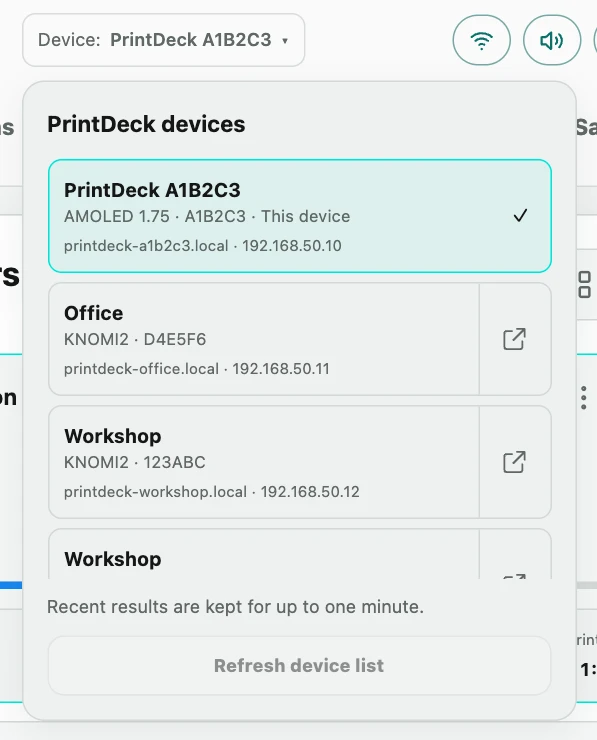
- Click the device name in the Web Config header to find nearby PrintDecks. The list shows each name, model and address and marks the device you are using.
- Select a name to open the same page on that PrintDeck, or use the arrow to open it in a new tab.
 iPhone
 Android