

Resin printer monitoring
Follow the current layer, exposure and remaining print time from your desk.
How it works
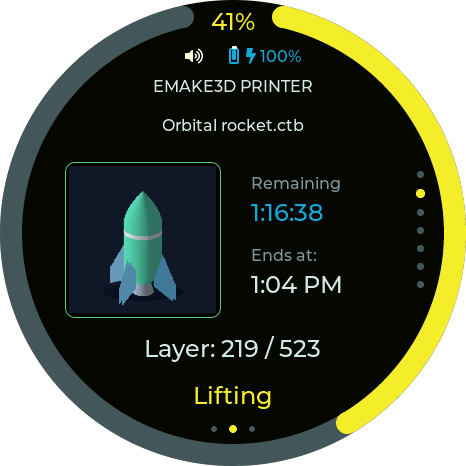
Follow a resin print over your LAN
On a compatible SDCP V3 printer, PrintDeck reads the layer count and job progress over your local network. The UniFormation GK3 Ultra can also report chamber temperature, resin use and the amount left in the bottle.
Inspect the current layer
When the print file provides layer images, the current slice appears during exposure. On TinyMaker and GK3 Ultra, open the 3D view in Web Config to rotate the model and see how far the print has progressed.
 iPhone
 Android