

Printer support libraries
Add or update the connection software for a printer family independently of the PrintDeck firmware.
How it works
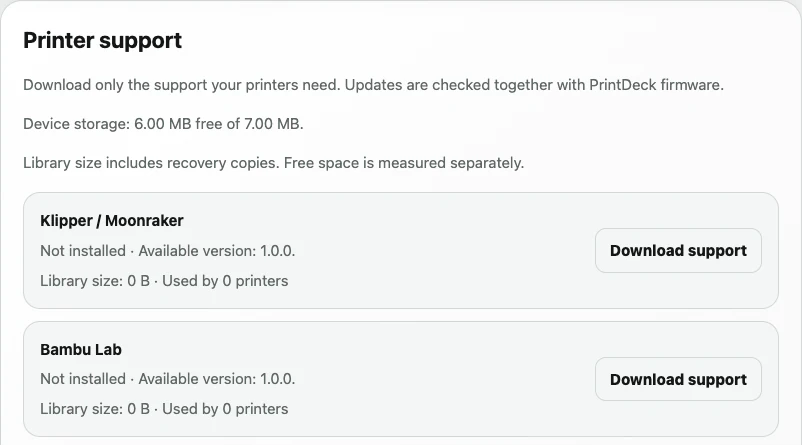
Install support for your printer
On displays that use downloadable libraries, adding a printer can prompt you to install the support it needs. For example, Moonraker and Bambu LAN use different libraries. Download the compatible library when prompted, let PrintDeck restart and continue setting up the printer.
Update a library independently
A library can receive an update while your display firmware is already current.
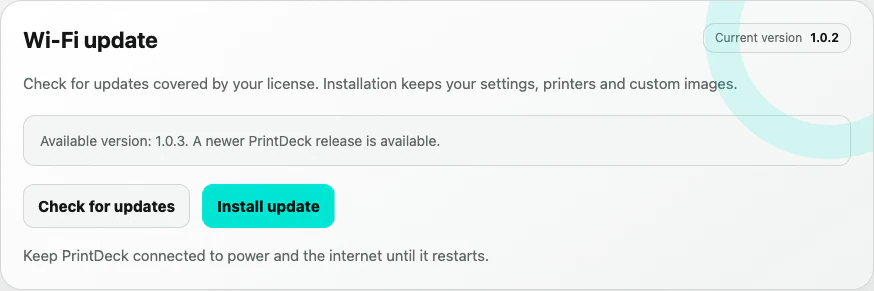
- In local Web Config, open Settings → Firmware and find Printer support. Check for updates to compare installed and available versions.
- Choose Update support for the library you need.
 iPhone
 Android