

Custom GIF reactions
Put your own animation or photo on the display when a particular printer event happens.
How it works
Choose the event and file
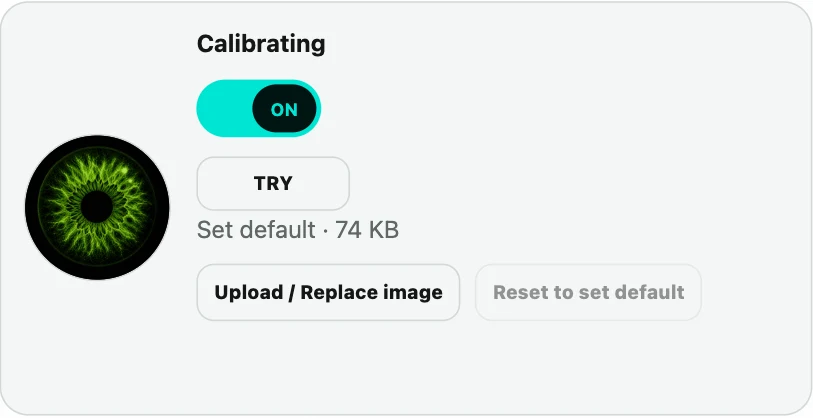
In Web Config, open Reactions and drop a file onto an event card, or choose Upload / Replace image. Try a GIF from GIPHY or Tenor, an animated WebP, or a still PNG, JPEG, WebP, AVIF or BMP. HEIC and HEIF depend on your browser.
Frame, trim and preview
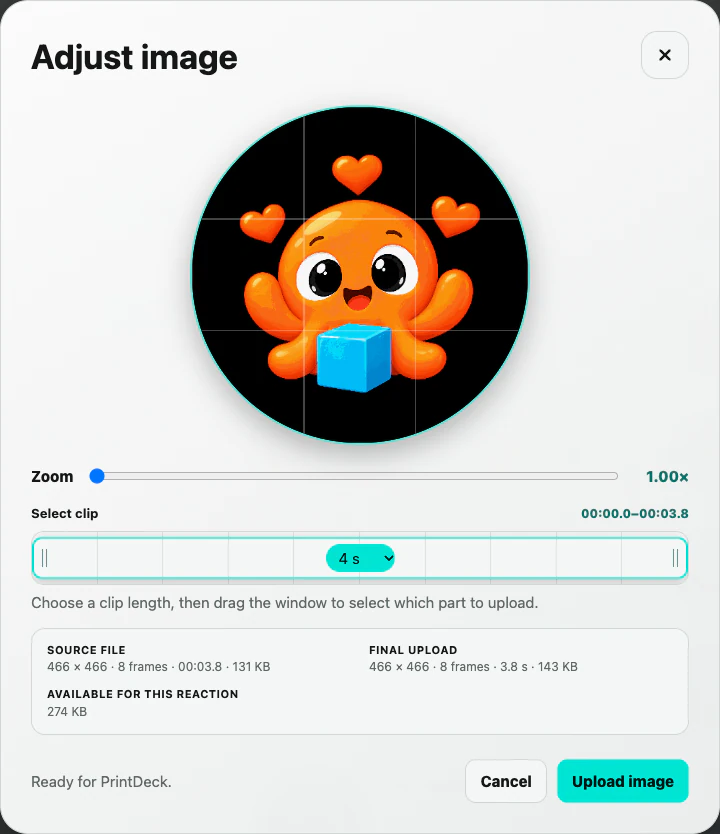
- Drag to frame the subject, zoom in and select the part of an animation you want to keep.
- Preview the result, then upload.
You can reset that event to its set default at any time. Custom reaction uploads are available on models with reaction storage, excluding Mini.
 iPhone
 Android