

LAN printer scanner
Find compatible printers on your Wi-Fi network without looking up each address.
How it works
Find and add a printer
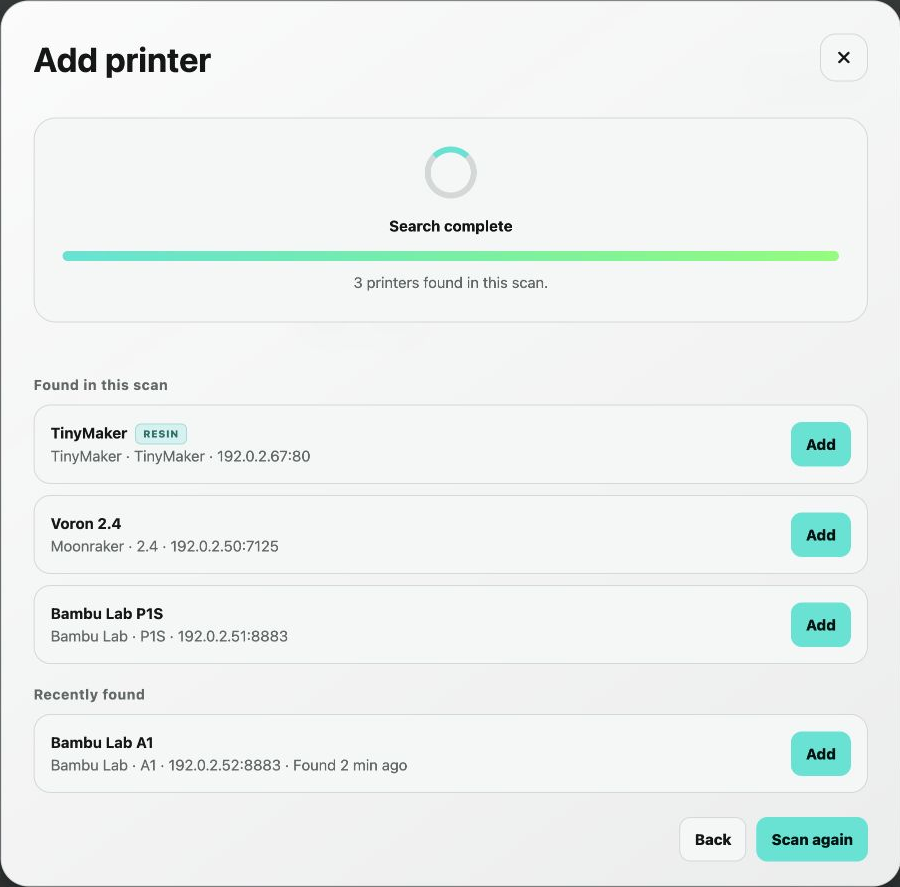
- In Web Config, open My Printers and choose Add printer. Results appear as the scan runs.
- Pick your printer, enter any credentials it requires and check the connection before saving the profile.
When a printer’s address changes
If a saved printer receives a new IP address, PrintDeck can update its inactive profile after verifying its identity and connection. Enable printer list refresh for automatic checks. If your model is missing, DEV TOOLS can help investigate compatibility.

 iPhone
 Android