

PrintDeck in Home Assistant
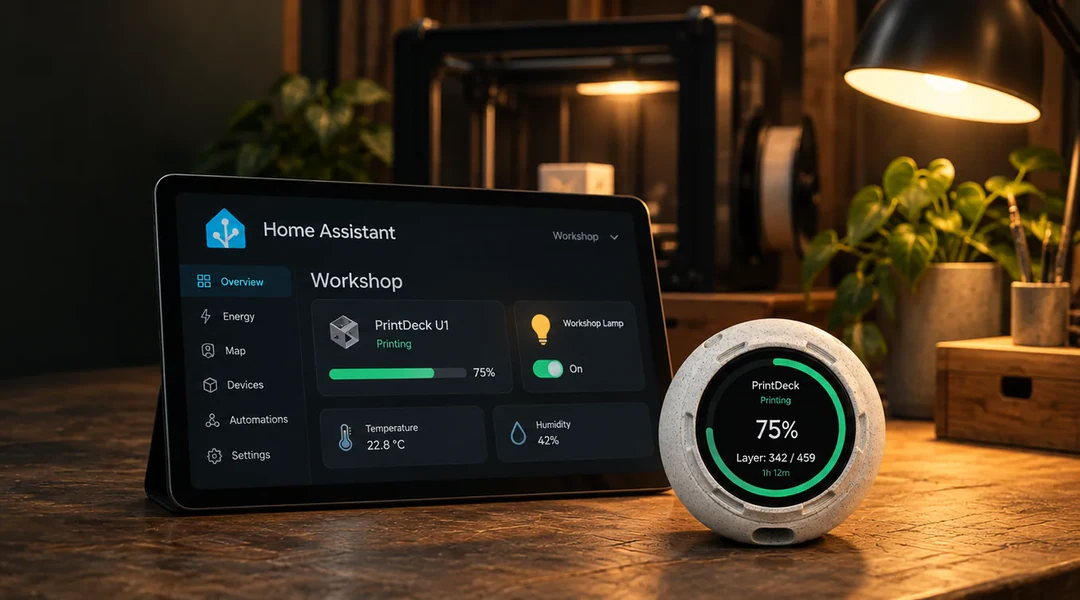
Turn on a workshop light when a job finishes, or put progress and temperatures on your home dashboard.
How it works
Add PrintDeck through HACS
Install the PrintDeck integration through HACS. For a local HTTP connection, enable the REST API in Web Config and enter its token when adding PrintDeck in Home Assistant. Each configured printer gets its own device with sensors for the readings it reports.
Use MQTT and automate the lights
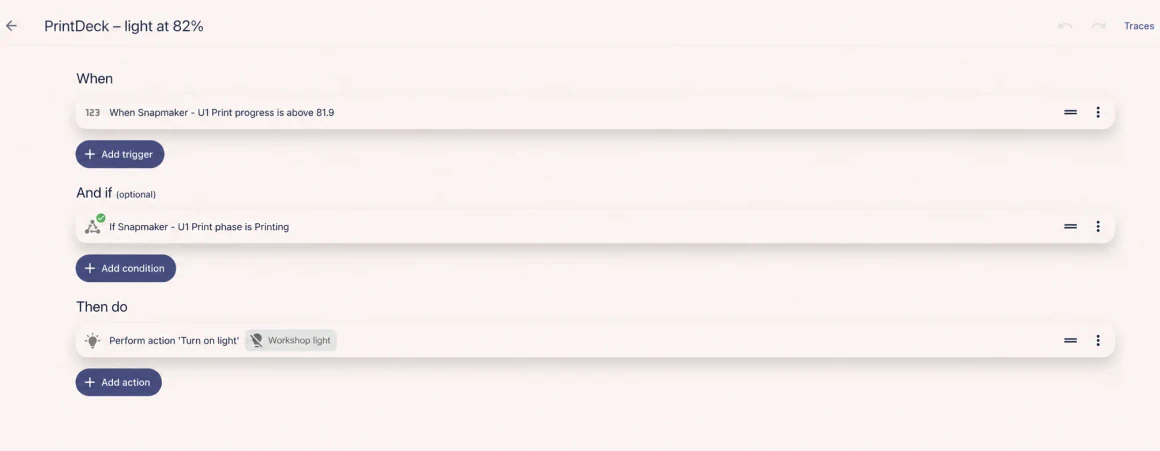
If you already use an MQTT broker, you can connect the HACS integration over MQTT or use Home Assistant’s built-in MQTT Discovery. Use one setup per monitor to avoid duplicate entities. The ready-made blueprints can switch lights when a print finishes or reaches 25%, 50% and 75%.
 iPhone
 Android