Which display should I choose?

Compare five PrintDeck displays by screen, controls and enclosure. Use the board name to find the matching firmware.

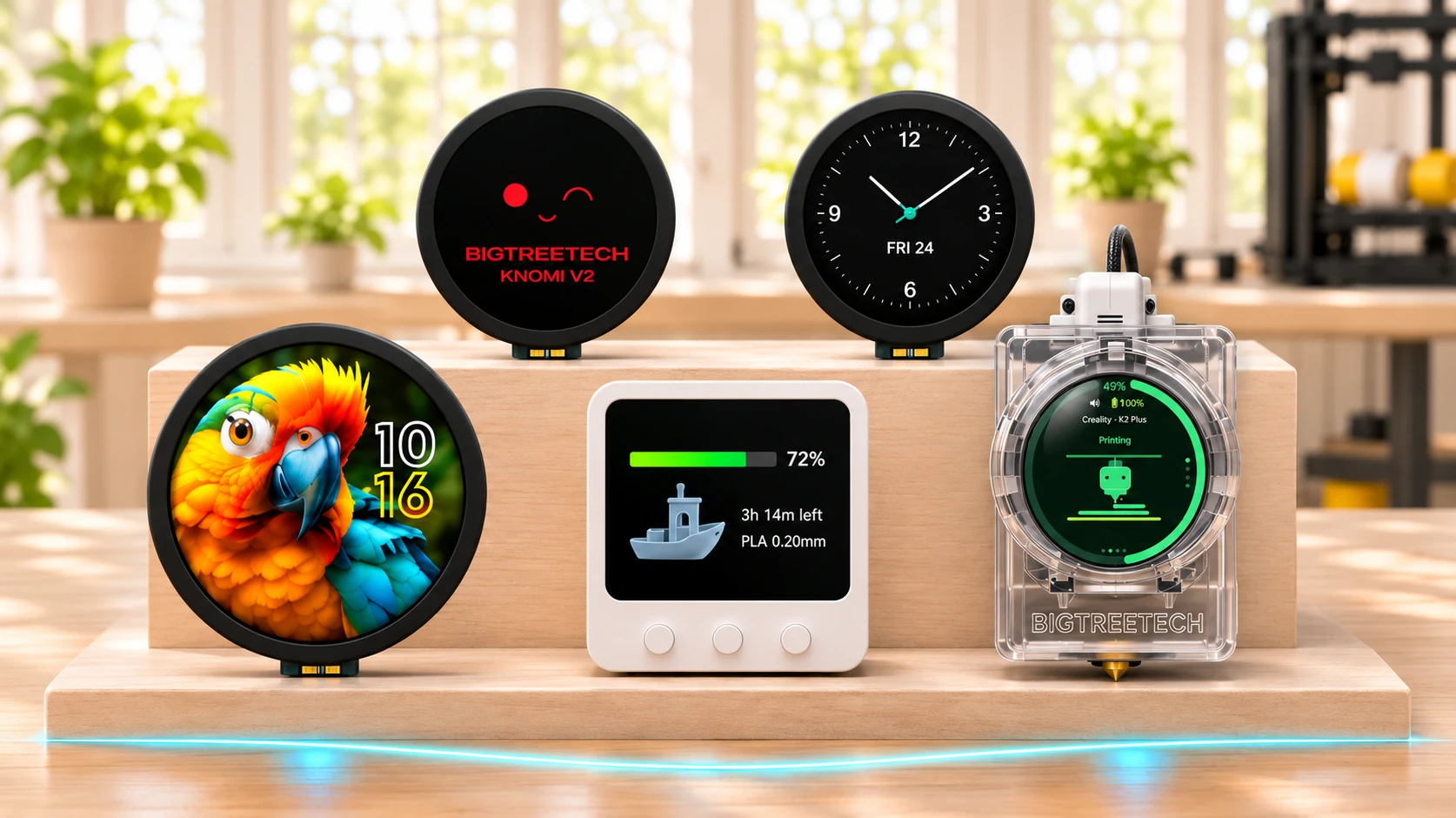
AMOLED 1.75″, LCD 1.54″, Mini, KNOMI v2 and Panda KNOMI on a workbench

Round touchscreen · 466 × 466

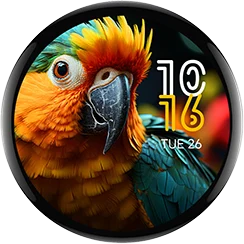
AMOLED 1.75″

Waveshare ESP32-S3-Touch-AMOLED-1.75

The largest screen in the range makes small temperature readings and detailed GIFs easy to see. With Hey PrintDeck! enabled, ask how much time is left while your hands are busy.

Pick the model ending in 1.75. The 1.75C uses different hardware and has no PrintDeck offer.
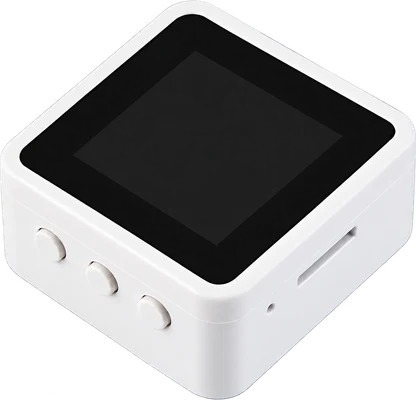
Square touchscreen · 240 × 240

LCD 1.54″

Waveshare ESP32-S3-Touch-LCD-1.54

Build a little square dashboard for your desk. Swipe between print details, upload your own GIFs or ask for the remaining time with Hey PrintDeck!

The printable Snapmaker U1 Mini case fits this square board. Look for “Touch” in the Waveshare model name.

Round touchscreen · 240 × 240

LCD 1.28″ Mini

Waveshare ESP32-S3-Touch-LCD-1.28

A small round touchscreen for a crowded workbench. Tap through live print details and watch the built-in animations change with your printer.

Mini plays its built-in animations only. For downloadable sets or your own GIFs, choose one of the other four displays. For a custom enclosure, match the mounting points to this 1.28″ board.

Round touchscreen · 240 × 240

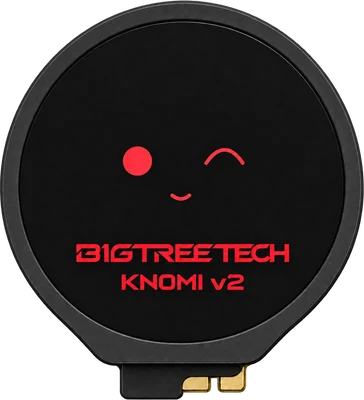
KNOMI v2

BIGTREETECH KNOMI V2.0

Keep your KNOMI v2 in its existing mount and swipe from animated reactions to live temperatures and job progress. Upload your own GIFs to give each print state a different face.

Round LCD · 240 × 240

Panda KNOMI

BIGTREETECH Panda KNOMI

Keep the Panda in its enclosure and let its always-on screen show print progress and custom reactions. Use Live View in Web Config on your phone or computer to navigate the display.

View firmware offers Explore case designs View the parts list in your PrintDeck account