

Screen saver
Dim the display, play an animation and turn the screen off on your own schedule.
How it works
Set the idle and printing timers
In Web Config, open Screen Saver. Set how long to wait, how long to dim and how long the animation plays. Keep the screen on longer during a print by giving printing its own timings. You can skip a stage or let the animation run until wake-up.
Preview a scene
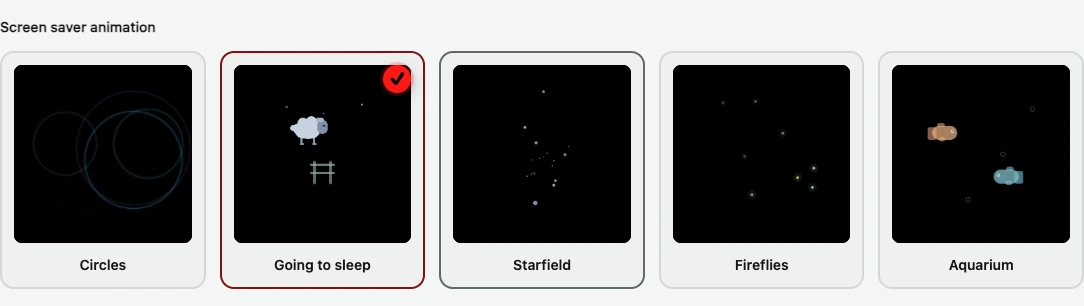
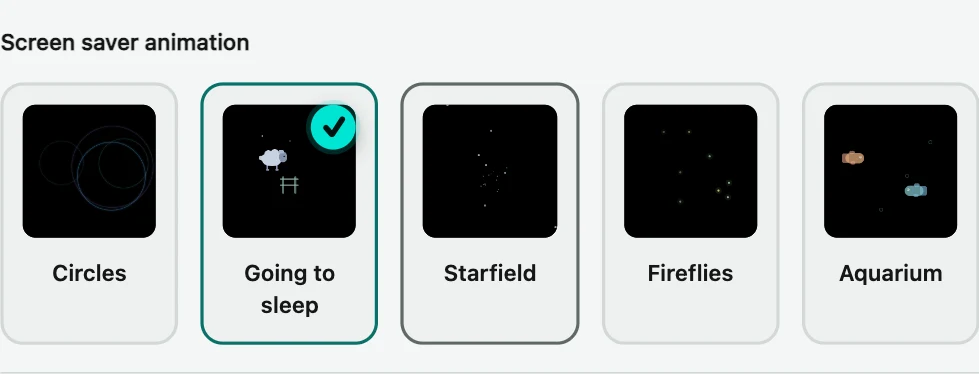
Preview the scenes before choosing one, from a flock of sleepy sheep to stars, fireflies and an aquarium. Automatic screen saving follows your wake settings. Panda KNOMI runs with its display on and has no automatic screen saver.
 iPhone
 Android