

PrintDeck Cloud and apps
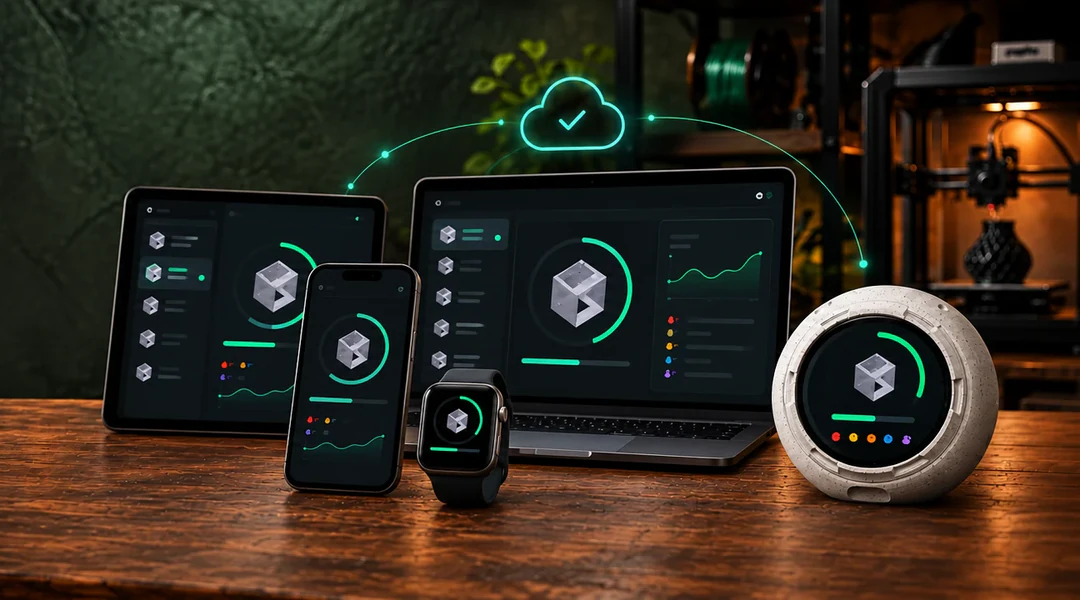
Check how much time is left on a print when you’re away from the workshop.
How it works
Pair your display
- With an activated PrintDeck on Wi-Fi, open Settings → Cloud in Web Config and choose Connect account.
- Sign in to Cloud, compare the pairing codes and approve.
Keep PrintDeck online so it can send status from your local printers.
Check a print away from home
View progress, temperatures and time estimates in a browser or explore the apps for iPhone, iPad, Apple Watch, Mac, Android, Windows and Linux. The Android app is in closed testing. Cloud is optional and free during the public beta.
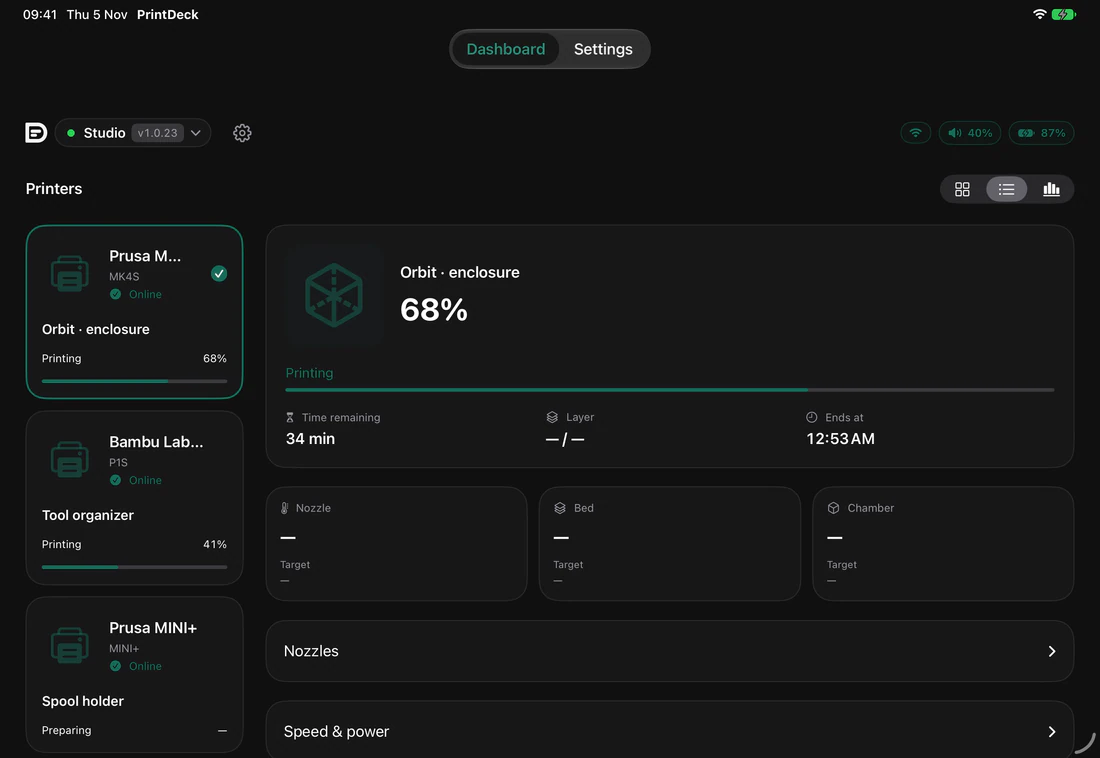
 iPhone
 Android