

Battery and wireless charging
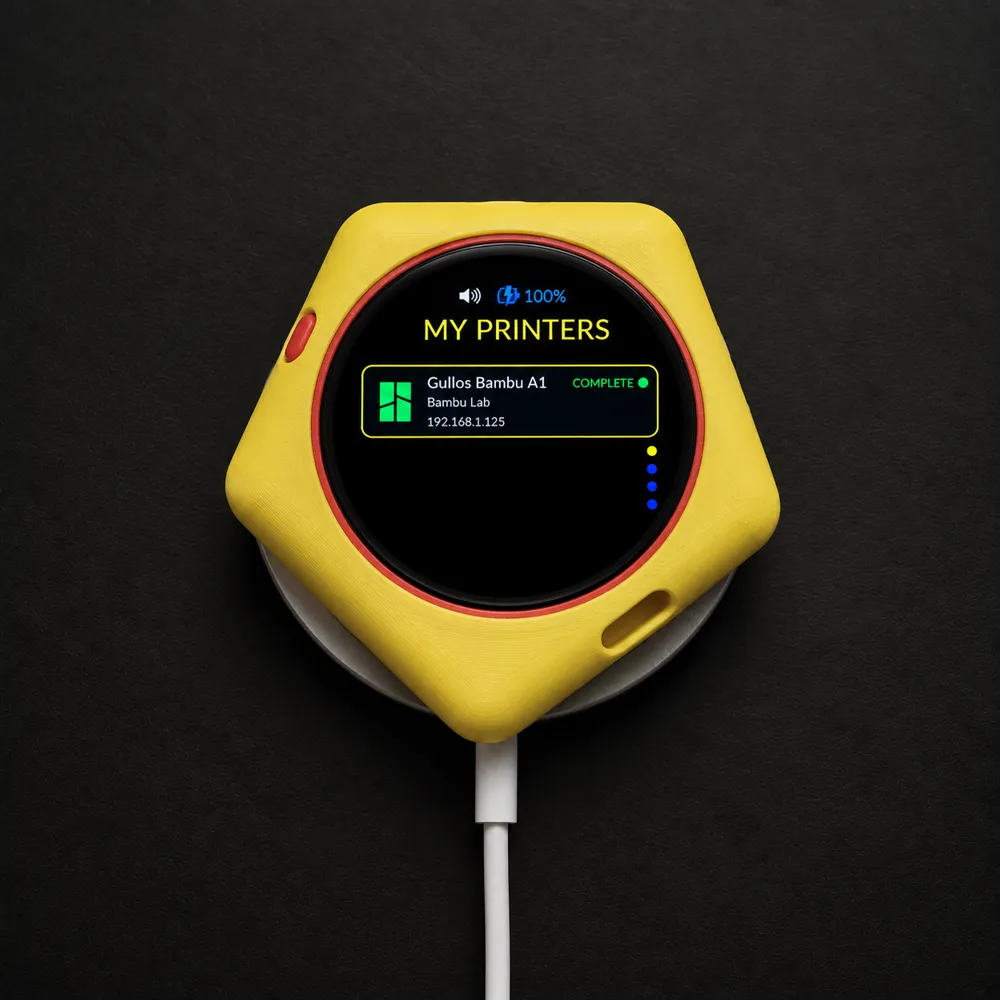
Check your print from the workbench, then snap the display onto a steel cabinet or leave it on a Qi pad to recharge.
How it works
Add a battery and Qi receiver
The Riverstone, Scuttle, Cinquefoil and Trillium enclosures have room for an optional battery and a Qi receiver. The receiver sits inside the case. Set the assembled display on a compatible charging pad between prints.
Mount the display and check its charge
Rear magnets let you mount the display on a fridge or a steel tool cabinet. On displays with battery monitoring, PrintDeck shows the charge level and indicates when the battery is charging. Each enclosure guide lists the parts that fit.
 iPhone
 Android